0116
→ / space · ↓ scroll

JAKE

Product Design Leadership

TAYLOR

About
Jake Taylor
Scroll
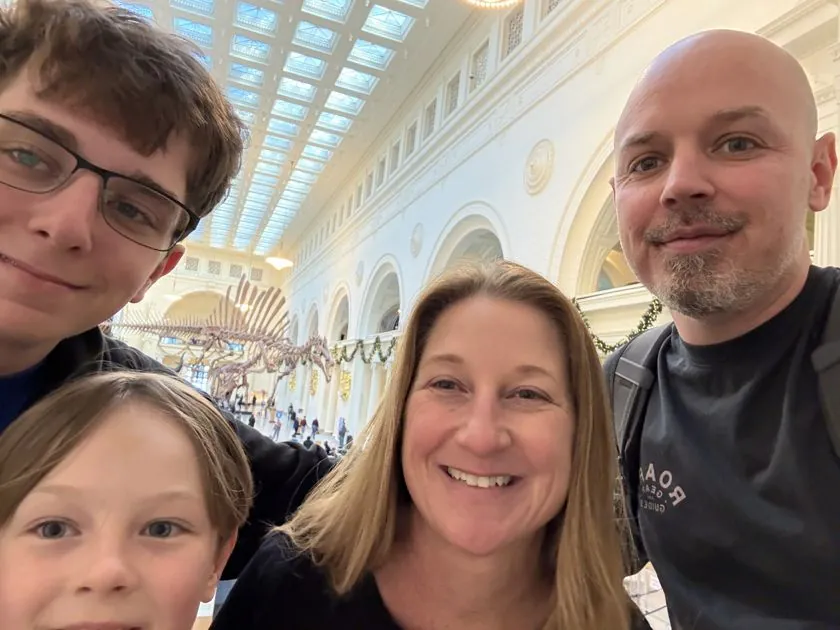
01 / Family man

PERSONAL.

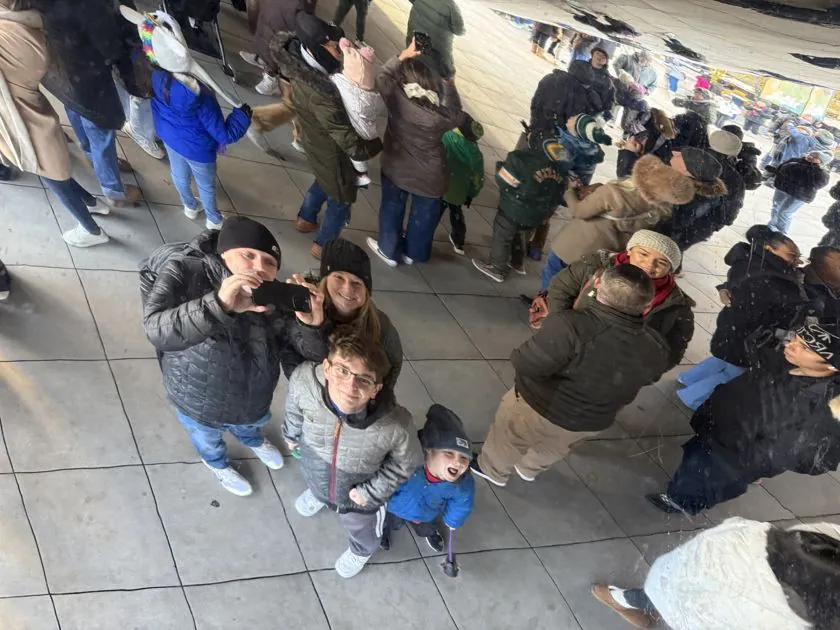
The Bean, Chicago
The Bean
Fern Canyon
Fern Canyon
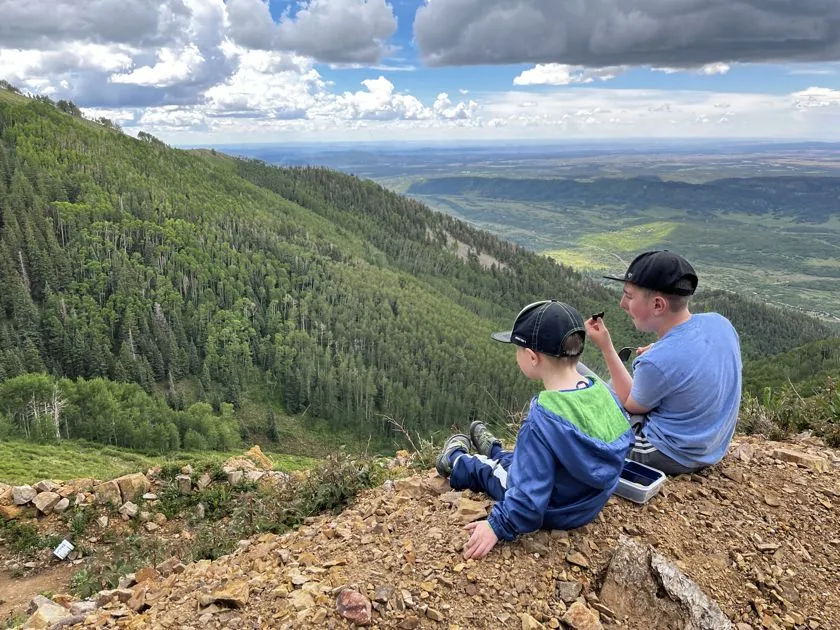
Hesperus
Hesperus
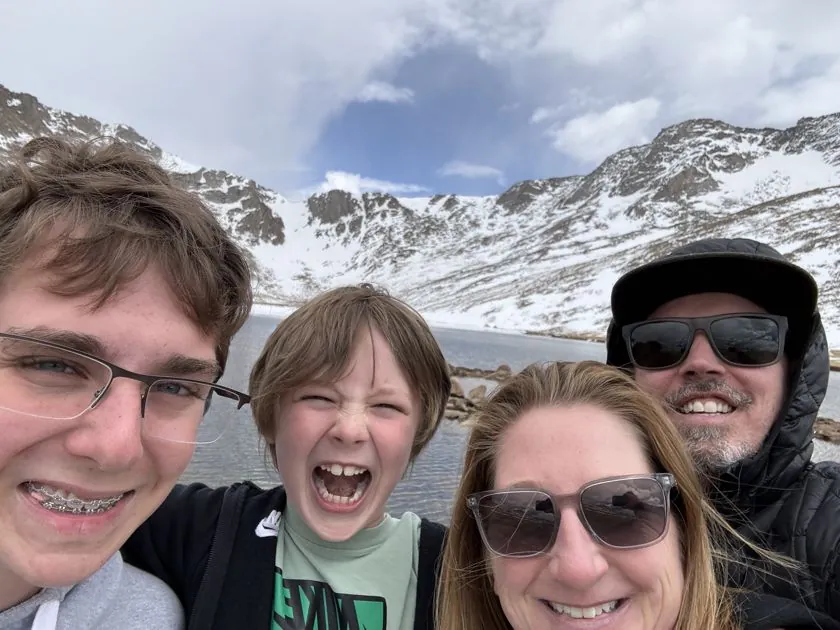
Mount Blue Sky
Mount Blue Sky
Mountains
Mountains
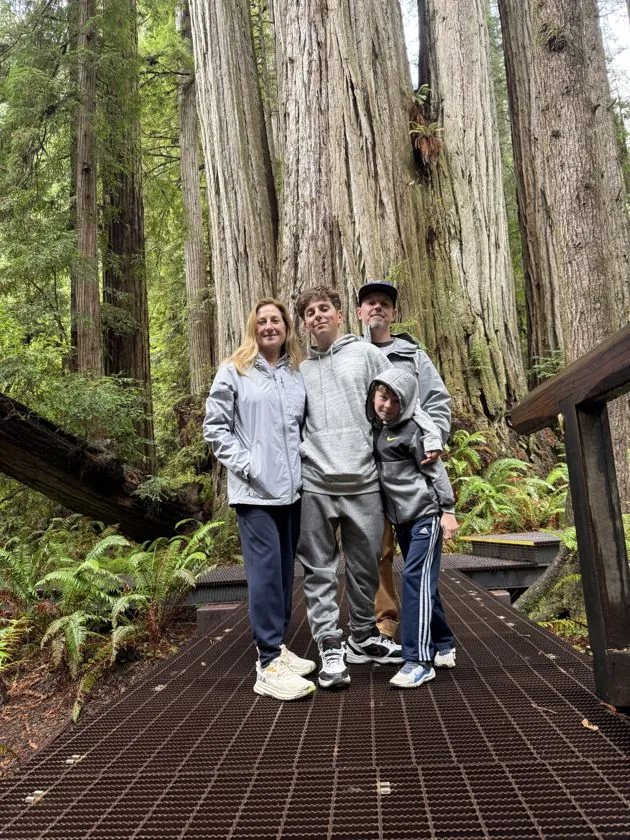
Among giants
Among giants
02 / Professional

PROFESSIONAL.

I love design, and building products that matter.

0yrsIn design
0yrsAs an IC
0yrsIn design leadership
03 / Builder — side projects

BUILDFEED.TECH

01 Buildfeed.tech · built with AI, nights & weekends
04 / Builder — side projects

LAWNCARE + GPT

LawnCare.center
02 LawnCare.center · ChatGPT experiments
05 / Builder — side projects

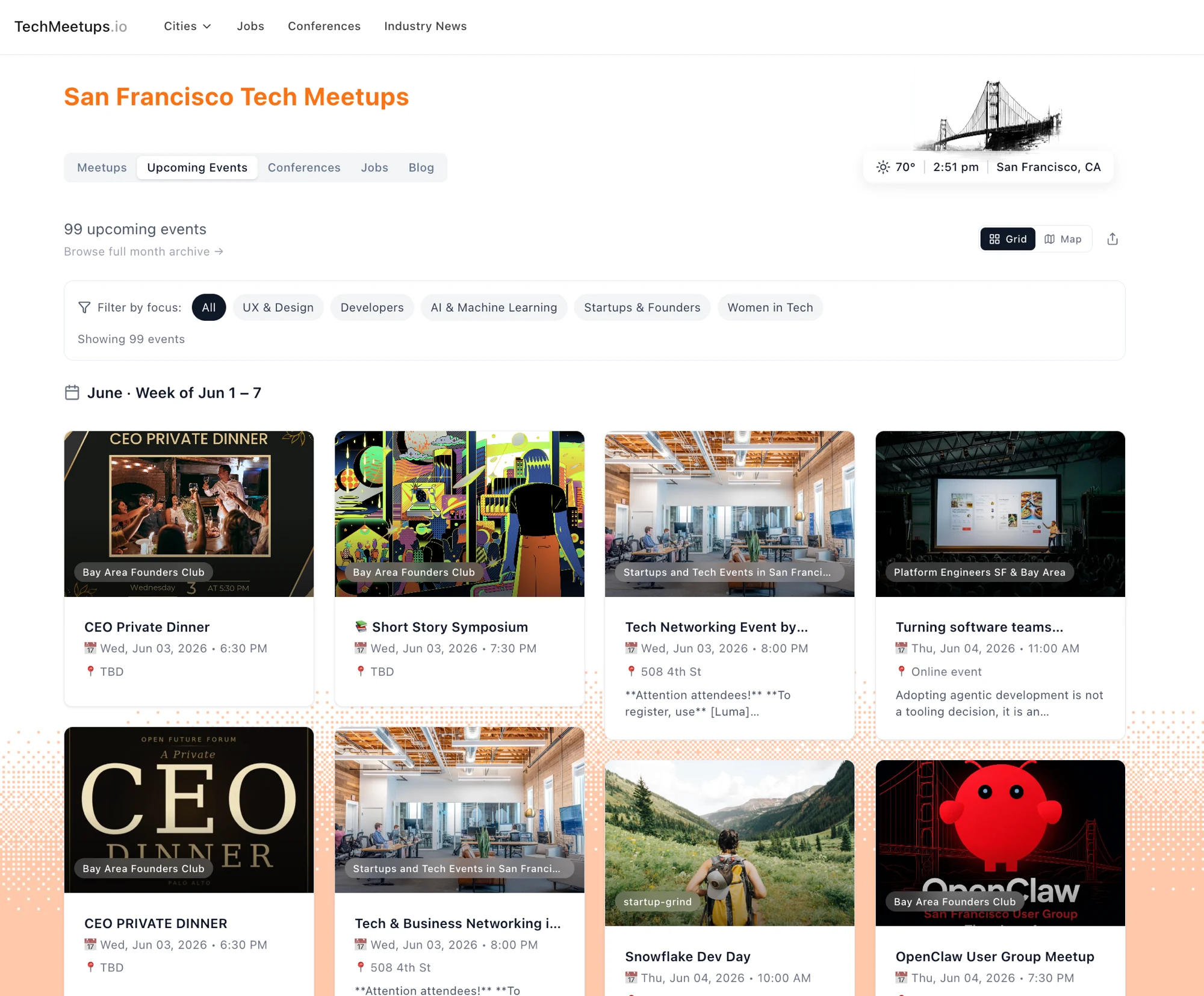
TECHMEETUPS.IO

TechMeetups.io
03 TechMeetups.io · find your tech community
06 / Giving back

GIVING BACK.

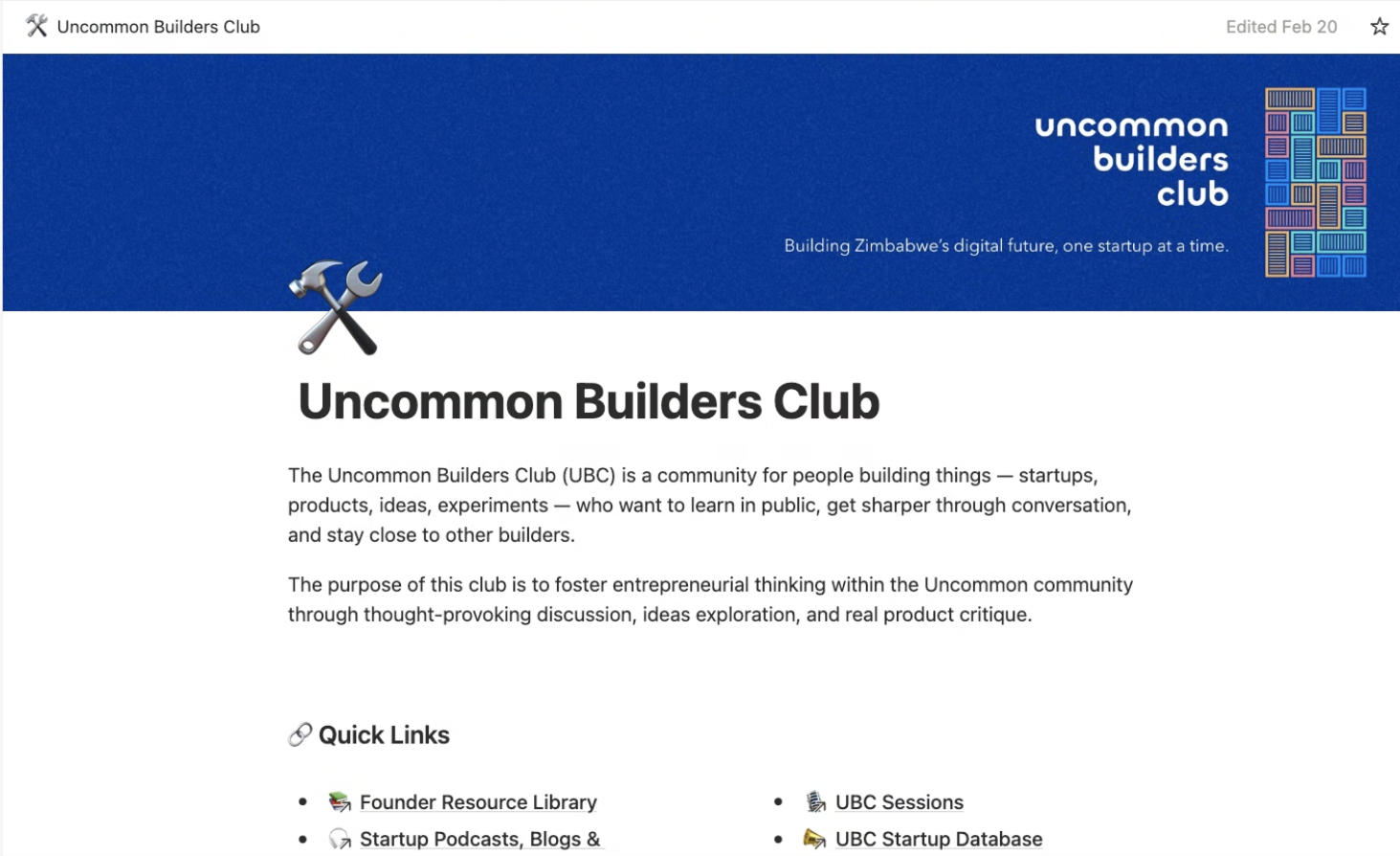
Uncommon Builders Club
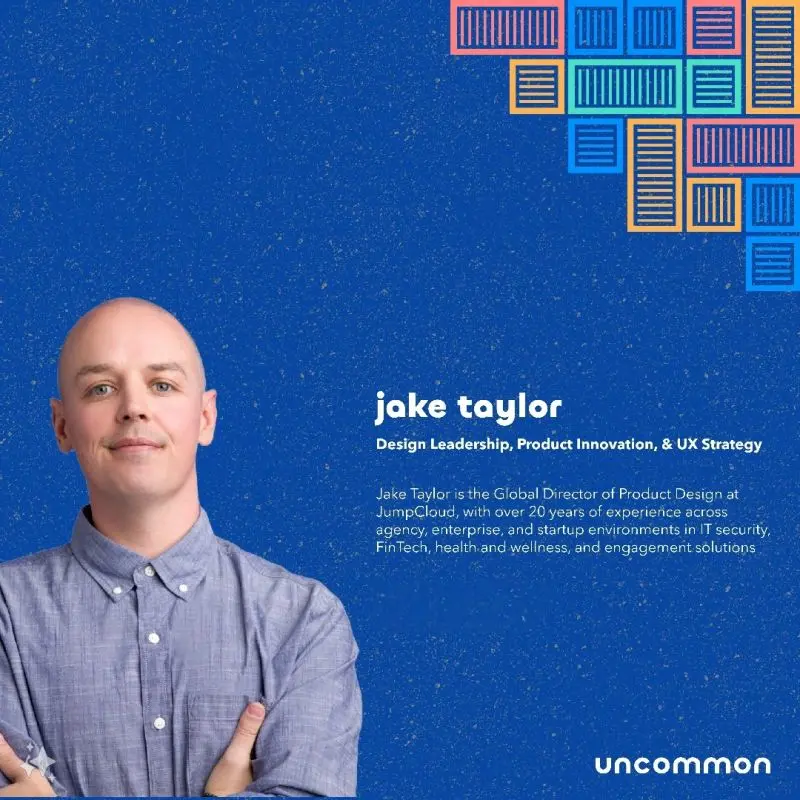
Uncommon speaker card — Jake Taylor, design leadership, product innovation and UX strategy
Guest speaker · Uncommon
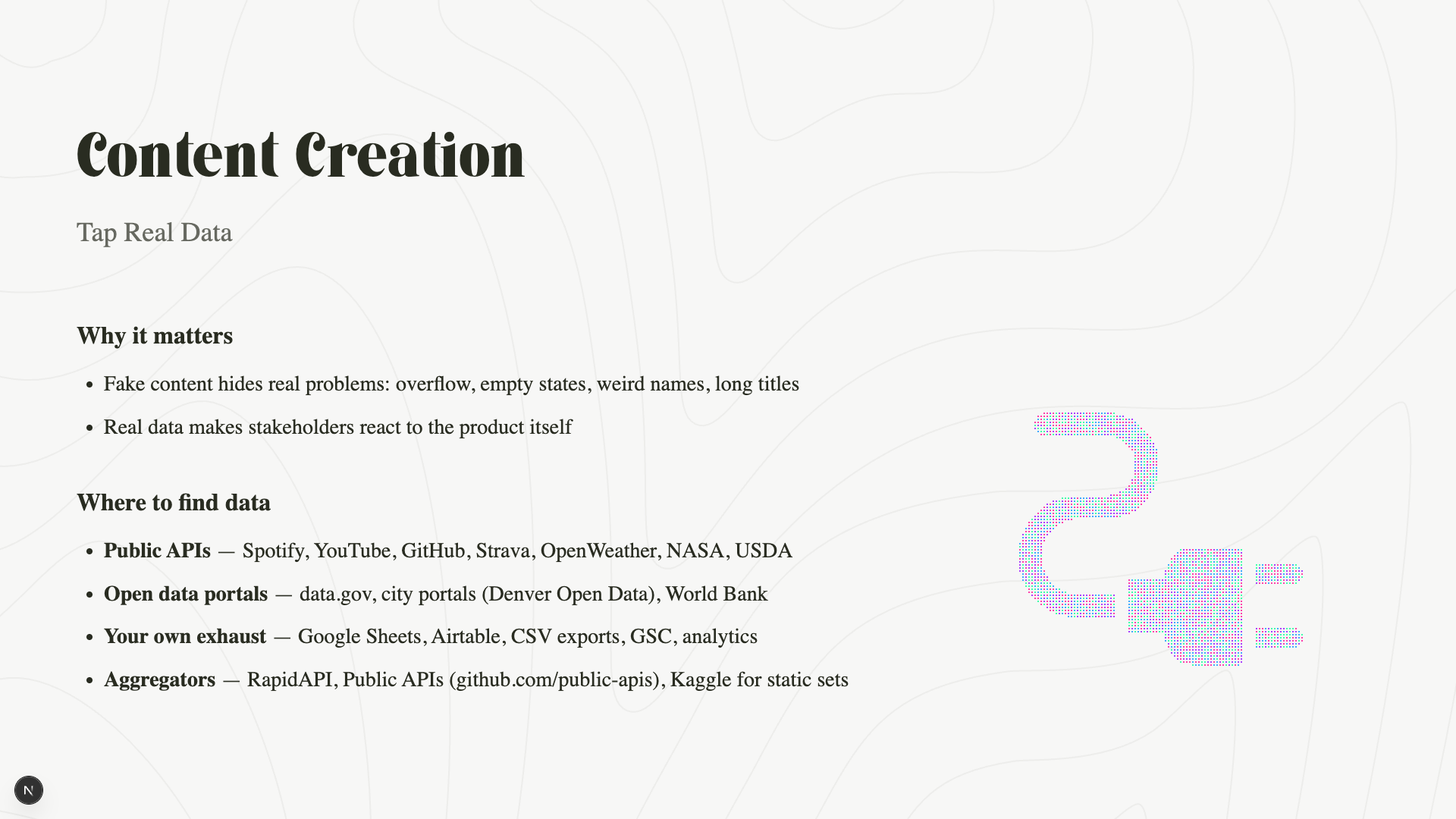
Workshop slide — Content Creation: tap real data
Content Creation · tap real data
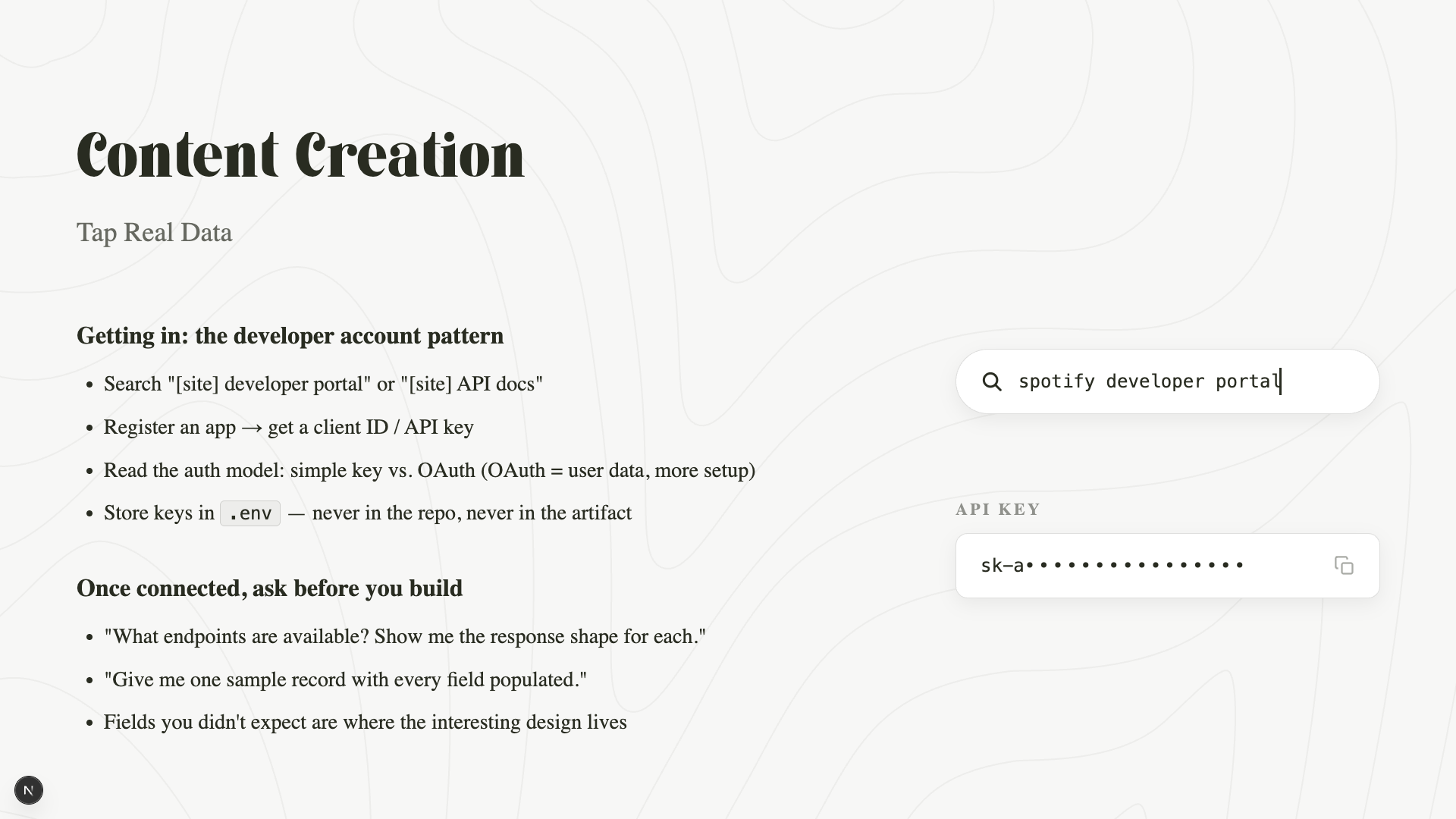
Workshop slide — the developer account pattern
The developer-account pattern
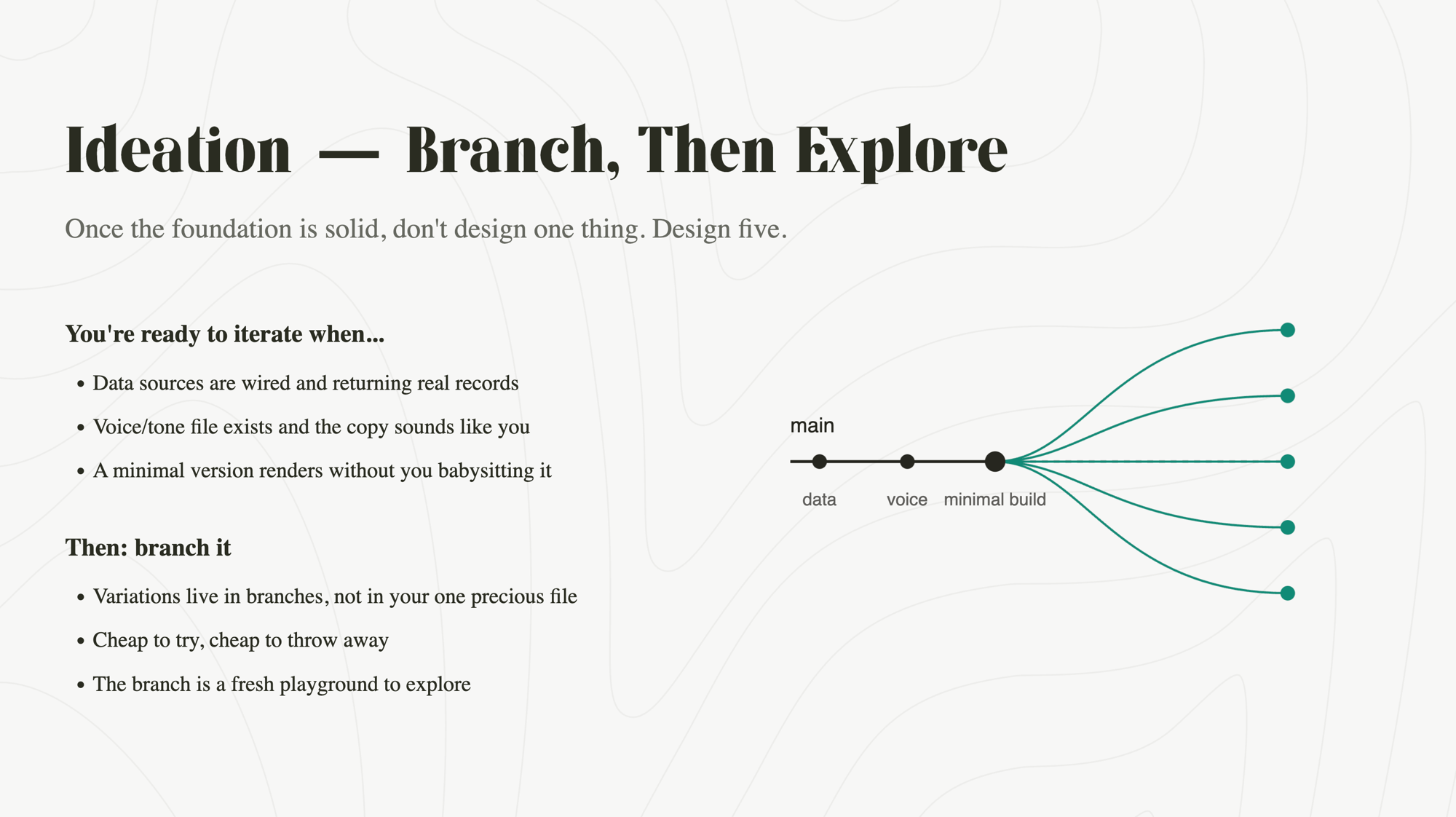
Workshop slide — Ideation: branch, then explore
Ideation · branch, then explore
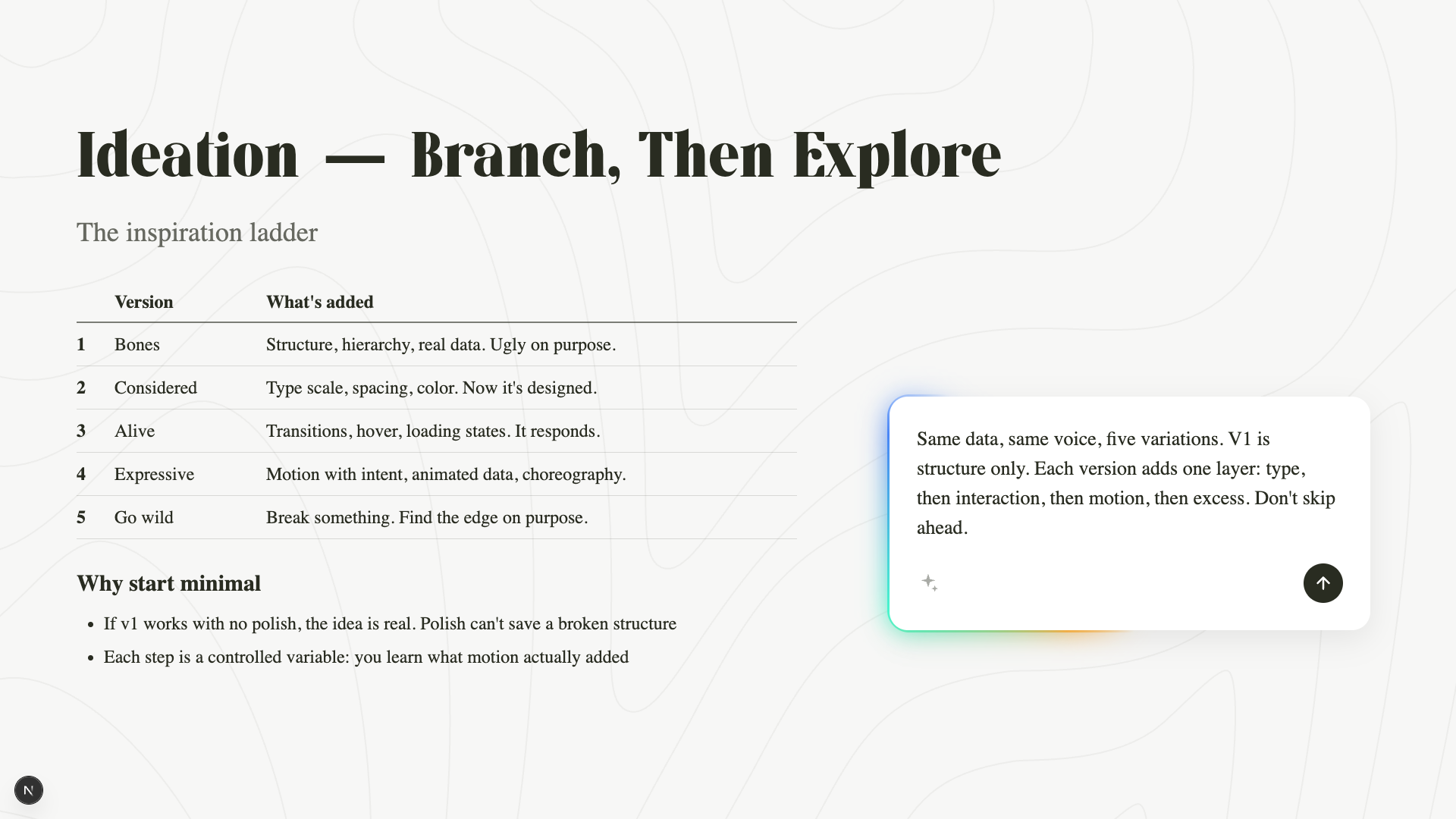
Workshop slide — the inspiration ladder
The inspiration ladder
04 Teaching the build-with-AI playbook · slides from my workshop deck
Notes from the community
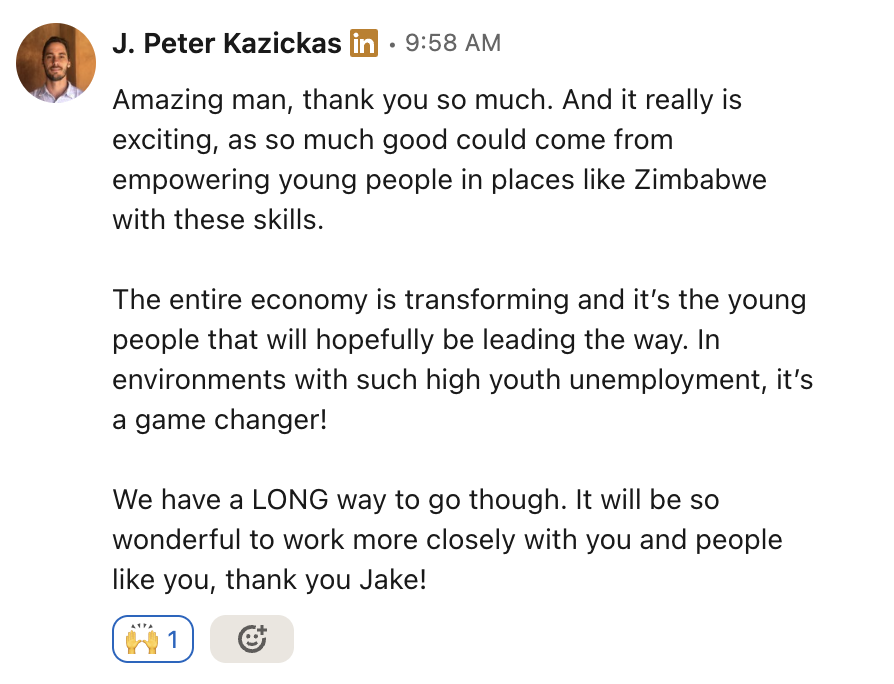
LinkedIn note from J. Peter Kazickas — 'so much good could come from empowering young people in places like Zimbabwe with these skills… thank you Jake!'
LinkedIn comment from Munyaradzi Mbewe, student at Uncommon — 'I have learnt a lot from you. Thank you so much.'
LinkedIn comment from Chidochashe Chakacha, student at Uncommon.org — 'Thank you sir, that was a great presentation'
LinkedIn comment from Nkosinamandla Moyo Sangweni, product design instructor — 'Great presentation'
Leadership
01 Empathy   02 Craft   03 Relationships   04 Balance   05 Accountability
01 / Leading with intent
02 / Leading with intent
03 / Leading with intent
04 / Leading with intent
05 / Leading with intent
Org Design
Scroll
01 / AI-native PDLC

THE PROCESS.

01 Concept

Clearly defined need, outcome, & customer value.

Customer Feedback Competitive Research GongCustomer Calls
Key Activities
  • Clear value statement
  • Concept, WSJF, and Full/Fast Path approval
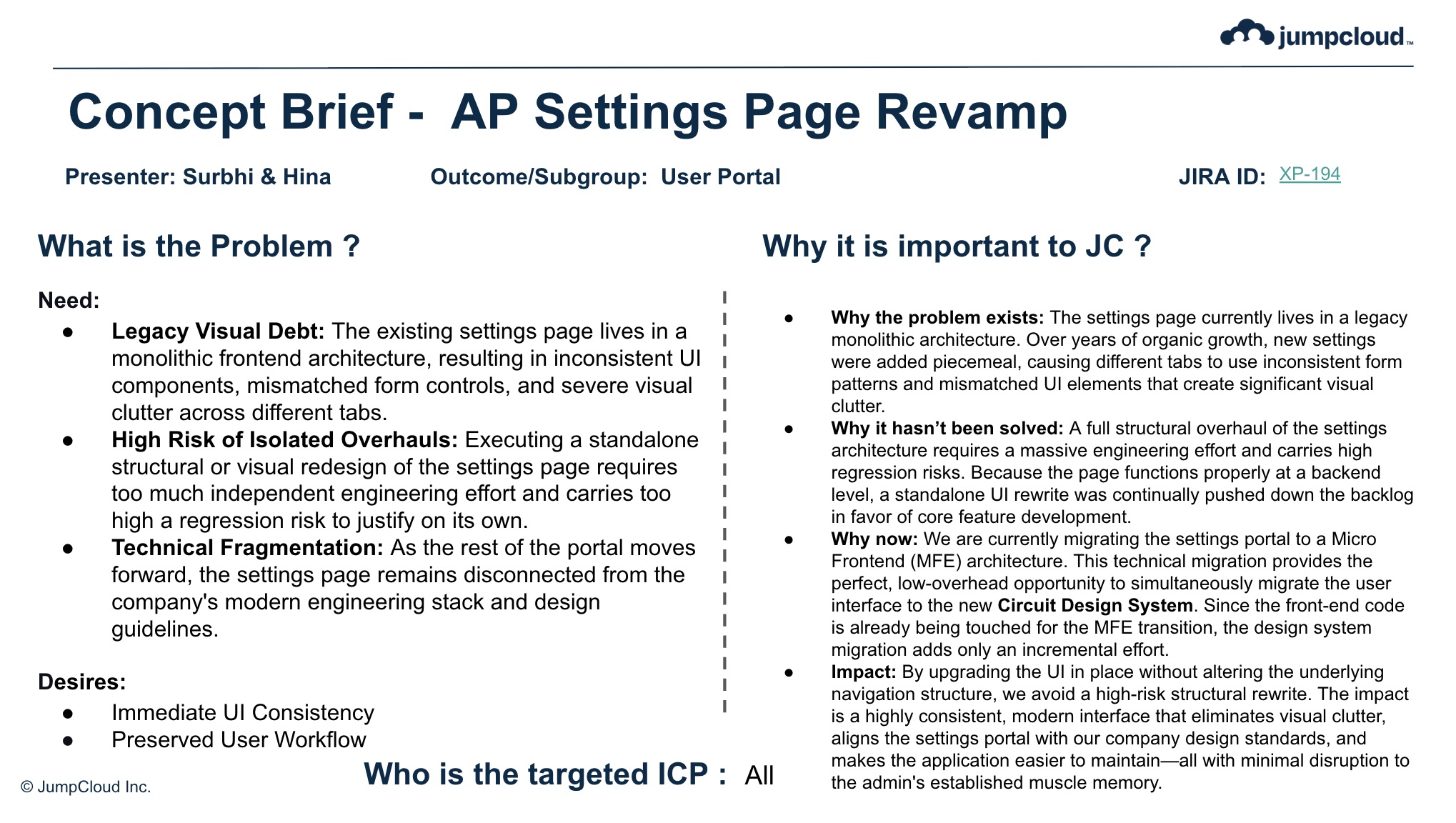
Concept brief — AP Settings Page revamp
01
02 Discovery

Validating need, solution, & business impact.

Customer Research Data Analysis CursorCursor ClaudeClaude
Key Activities
  • We lead with a tangible prototype
  • Problem and solution validation
  • Confident business impact
02
03 Framing

Defined business strategy & x-function release plan.

Pricing Conversion Path Metrics Defined PendoOnboarding
Key Activities
  • Pricing and packaging moves
  • GTM planning and implementation move
  • Pendo guides & PMF measures

Add a server

Add an MCP server to configure AI Gateway authentication.

Step 1 of 5

Select an app

Choose an existing SSO app in your organization that supports MCP server integrations, or select custom app to manually add one.

Adding a server allows your users to authenticate to it through the AI Gateway.

Learn More about supported integrations.

Step 2 of 5

Configure the server

Enter the required fields. Prefixes must be unique. For URL, enter the app's MCP server URL.

Learn More about supported integrations.

03
04 Planning

Resourced & actionable work breakdown and release & GTM dates.

UX Final Timelines Final CursorComponentization for Eng
Key Activities
  • Design breaks apart prototype into components for Eng
  • Consistent and clear work breakdown
  • Higher confidence in timelines
Header Nav Left Pane Content Area
04
05 Executing + GTM

Implemented solution, enablement, previews, & releases.

Internal Preview Bug Smash GTM Artifacts Documentation
Key Activities
  • Design QA & Bug smash
  • Partner w/ GTM team for web, blog, social content
  • Tech Writing finalizes documentation
This data doesn't seem right?
05
02 / In practice
that support the process
Mon Tue Wed Thu Fri
Direct 1:1 — Principal Design Engineer7:00 – 7:30
SVP Staff9:00 – 9:30
Ext Staff9:30 – 10:30
Direct 1:1 — Design Manager10:30 – 11:00
Skip Level 1:111:30 – 12:00
Skip Level 1:12:00 – 2:30
Peer 1:1 — Eng Leadership3:00 – 3:30
Direct 1:1 — Design Manager8:00 – 8:30
I&DR (Large)7:00 – 8:00
Crit & Coffee8:00 – 9:00
Design Capacity (Directs + Sr PM)9:00 – 10:00
Peer 1:1 — Eng Leadership10:00 – 10:30
Skip Level 1:111:00 – 11:30
Marketing / Web Director1:00 – 1:30
Skip Level 1:18:00 – 8:30
Full Team Meeting8:00 – 9:00
xFunctional Design Review (Large)9:00 – 10:00
Pattern / Component Awareness / DS10:00 – 11:00
Sales / AM / CSM — Customer Escalations11:00 – 12:00
VP Marketing / PMM1:00 – 1:30
Skip Level 1:12:30 – 3:00
Peer 1:1 — Eng Leadership4:00 – 4:30
Skip Level 1:17:30 – 8:00
APAC Design Review8:00 – 9:00
SVP Directs9:00 – 10:00
Program Review (PEX)11:00 – 12:00
US Design Review2:00 – 3:00
Skip Level 1:13:30 – 4:00
Crit & Coffee8:00 – 9:00
C-Suite Weekly Report9:00 – 10:00
Peer 1:1 — Sr. Product Director10:00 – 10:30
Peer 1:1 — Sr. Product Director11:00 – 11:30
Peer 1:1 — Sr. Product Director12:00 – 12:30
AI / Labs Show & Tell1:00 – 2:00
Peer 1:1 — Eng Leadership2:30 – 3:00
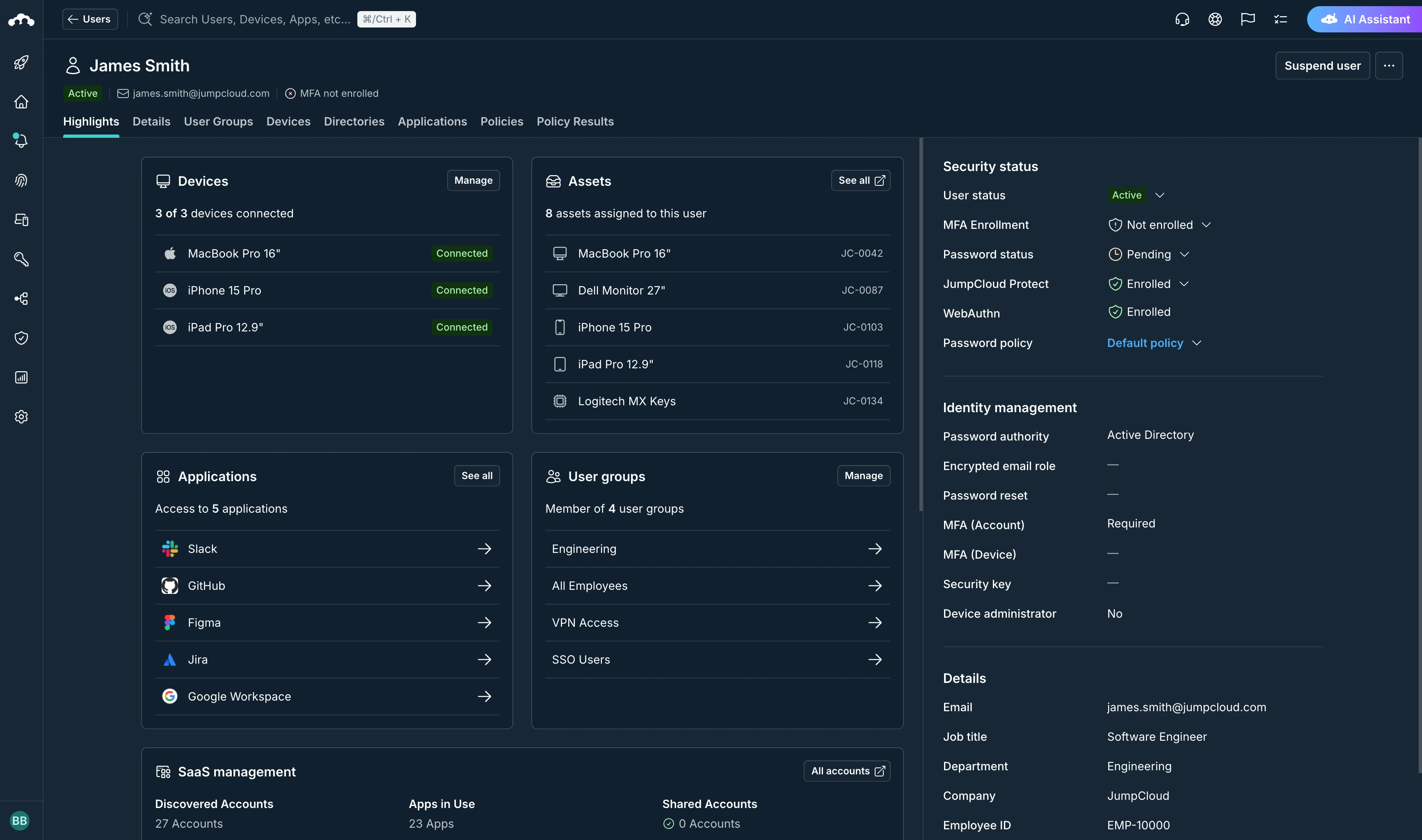
JumpCloud overview

One cloud service for managing identities, devices, and access across an entire organization.

JumpCloud is an open directory platform. It unifies the tools IT teams used to buy separately (directory, single sign-on, MFA, and device management) into one place, working across Windows, macOS, and Linux and the apps and networks in between.
G2 Leader — Enterprise, Winter 2026 G2 Easiest Admin — Enterprise, Winter 2026 G2 Best Usability — Enterprise, Winter 2026 G2 Best Relationship — Enterprise, Winter 2026 G2 Best Results — Enterprise, Winter 2026 G2 Most Implementable — Enterprise, Winter 2026
Trusted by IT teams at
Canon SentinelOne Uber Freight John Deere Canva Amtrak
Recent work
Recent work
Circuit DS: a shared system for design, code, and AI.
Scroll
01 / The AI problem

THE PROBLEM.

02 / The answer
circuit DS

A shared system for design, code, and AI.

03 / Our goals

OUR GOALS.

Circuit Design System speeds up product delivery, keeps quality consistent, and cuts engineering effort across workflows:

  • Faster UI deliveryInternal
  • Lower engineering overhead through reusable componentsInternal
  • Accessible and responsive by defaultInternalExternal
  • Reduced UX inconsistencies, improving trust for customersExternal
  • Brand coherence across all of our productsEP · AP · VaultOne · MSP · mobile apps · browser extensions · native OS appsInternalExternal
  • Brand affinity and industry recognition when compared to our competitorsExternal
04 / North Star

OUR GOALS.

A system that looks premium, modern, and distinctly JumpCloud, while being simple enough for every team to apply correctly.


05 / The problem

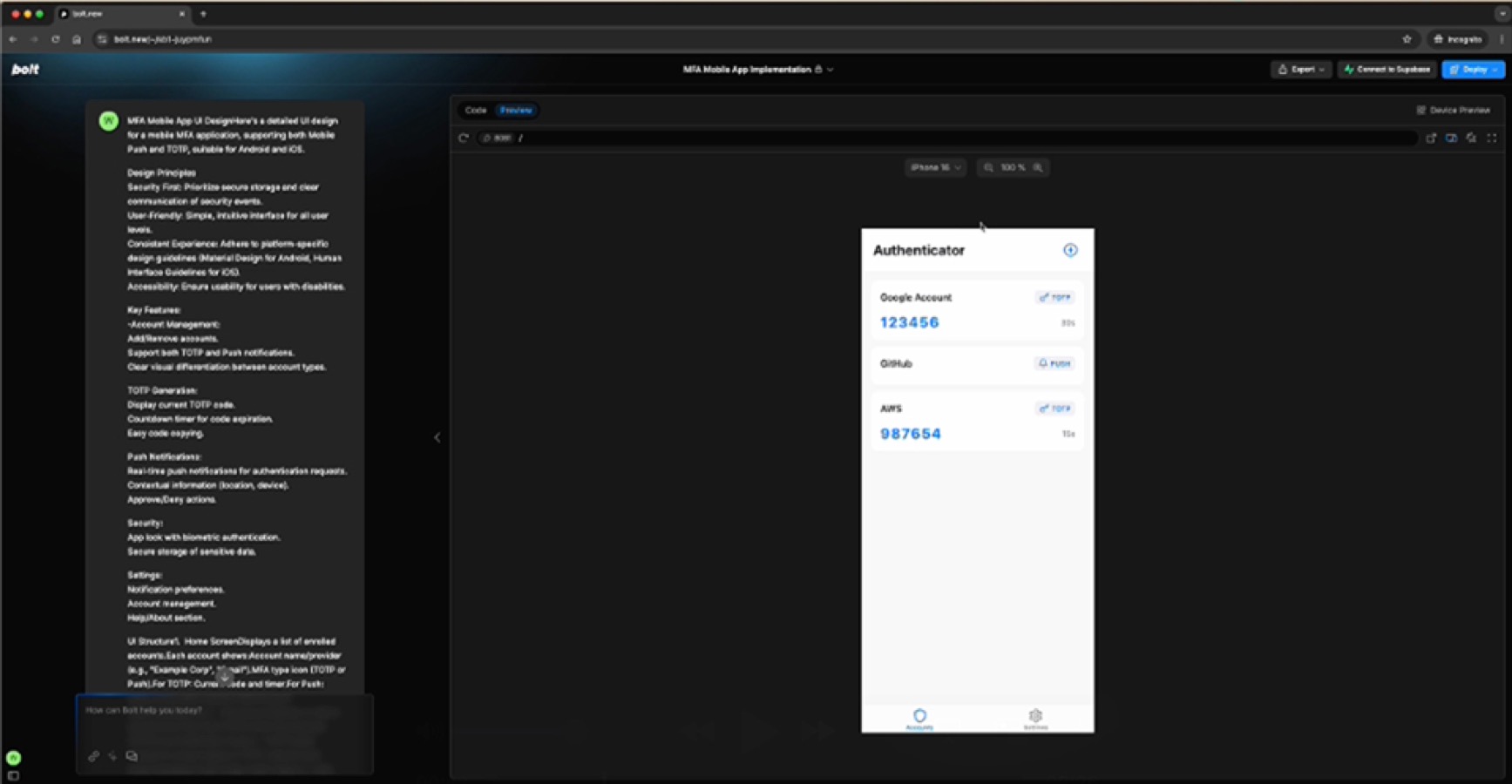
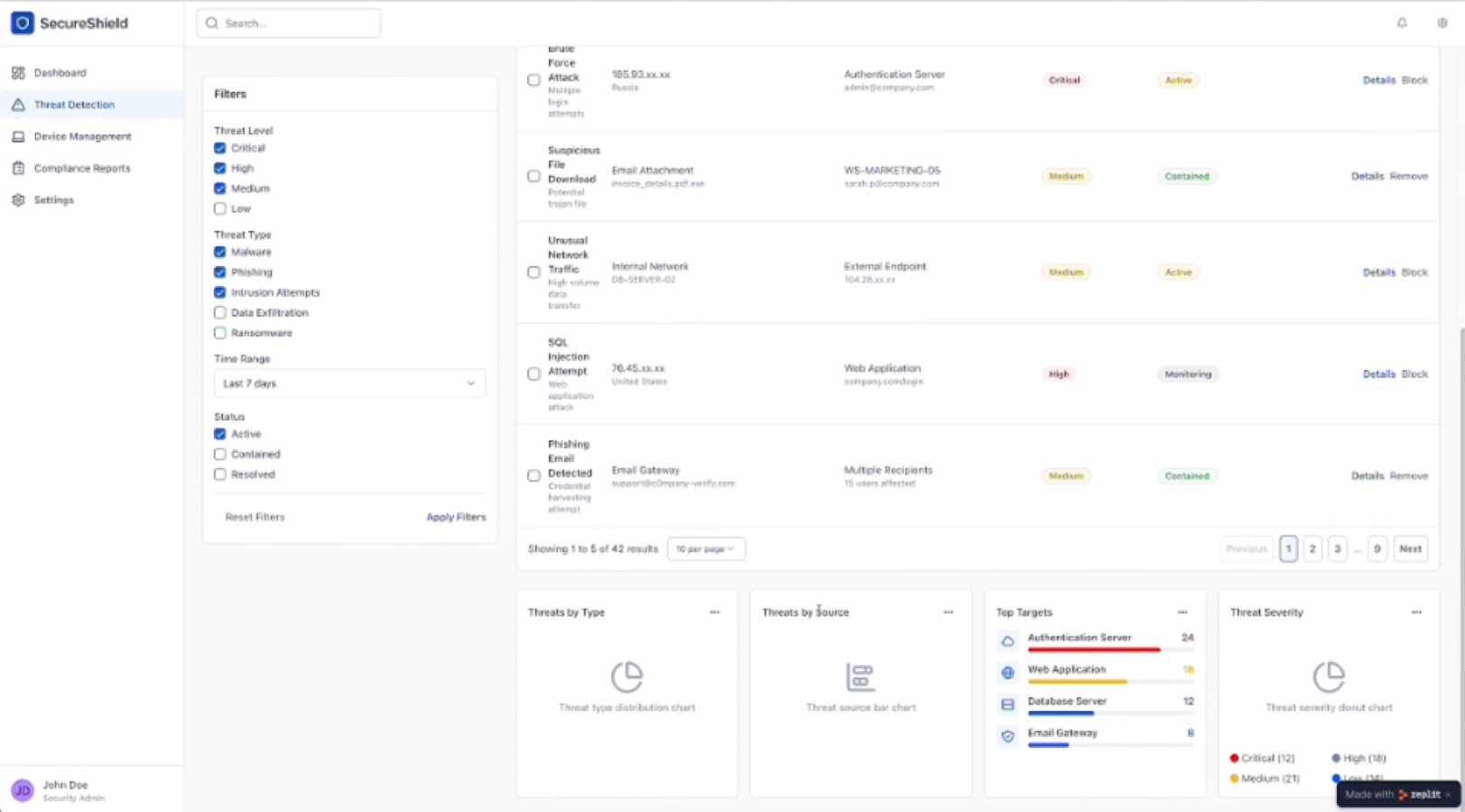
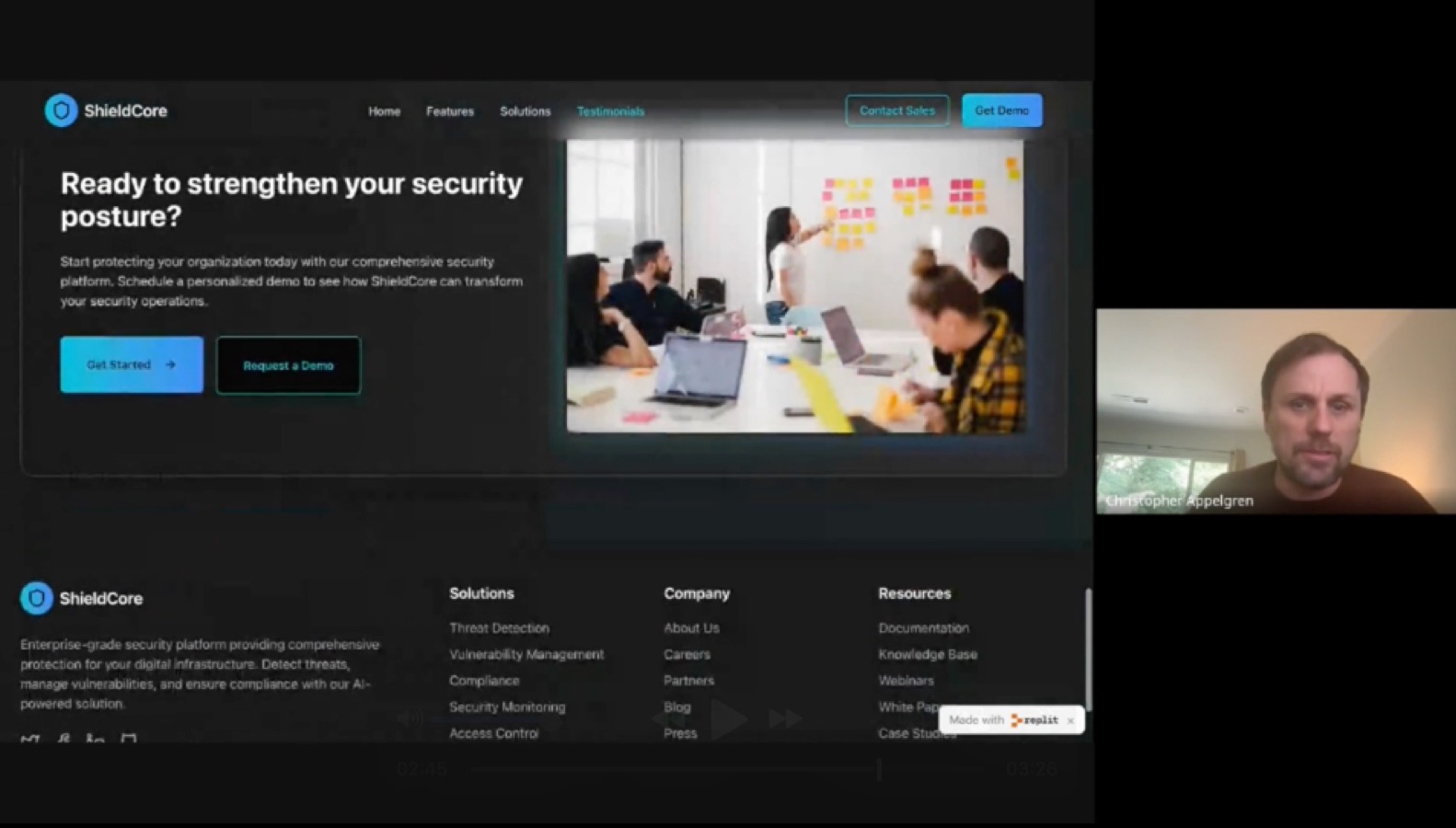
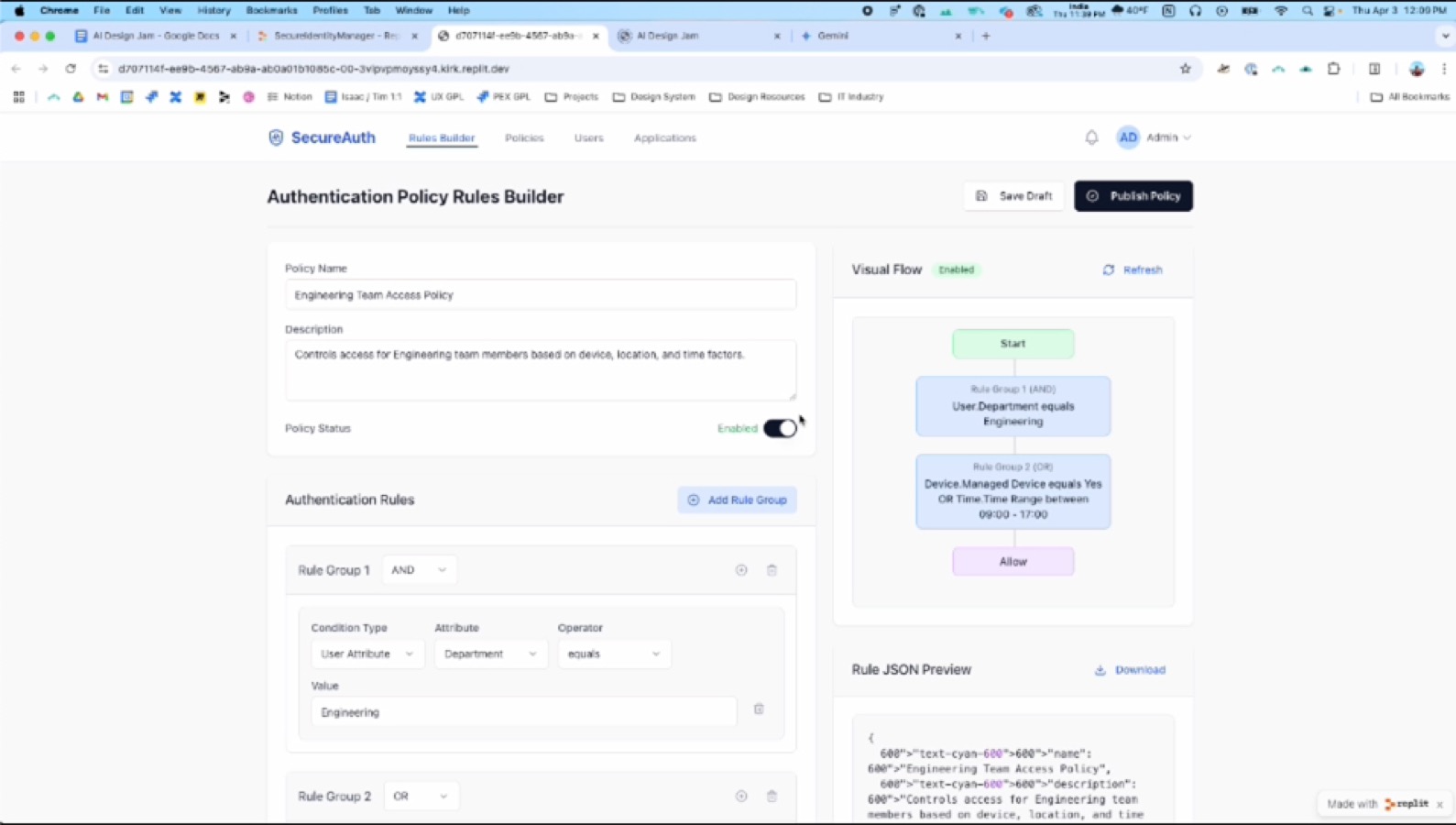
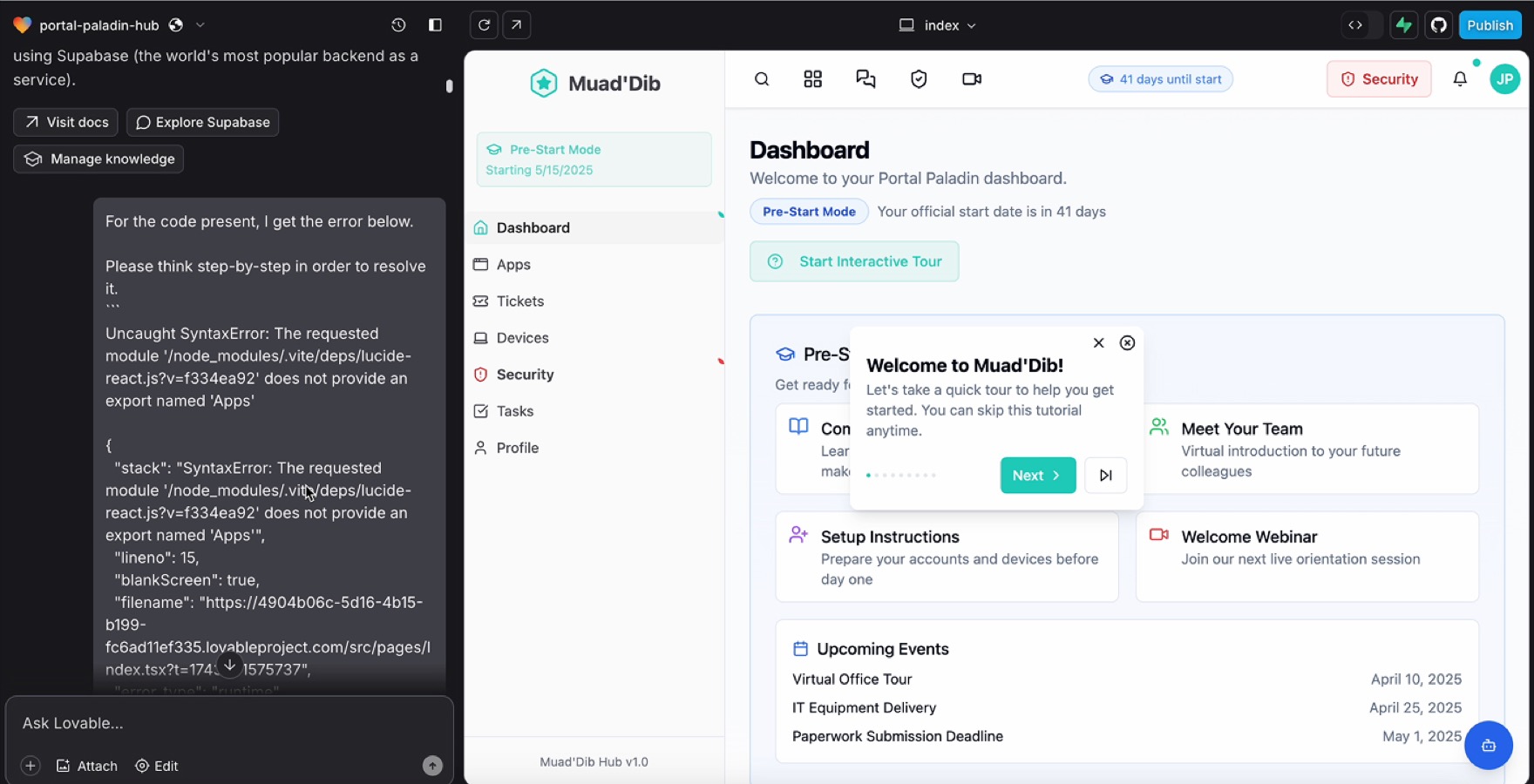
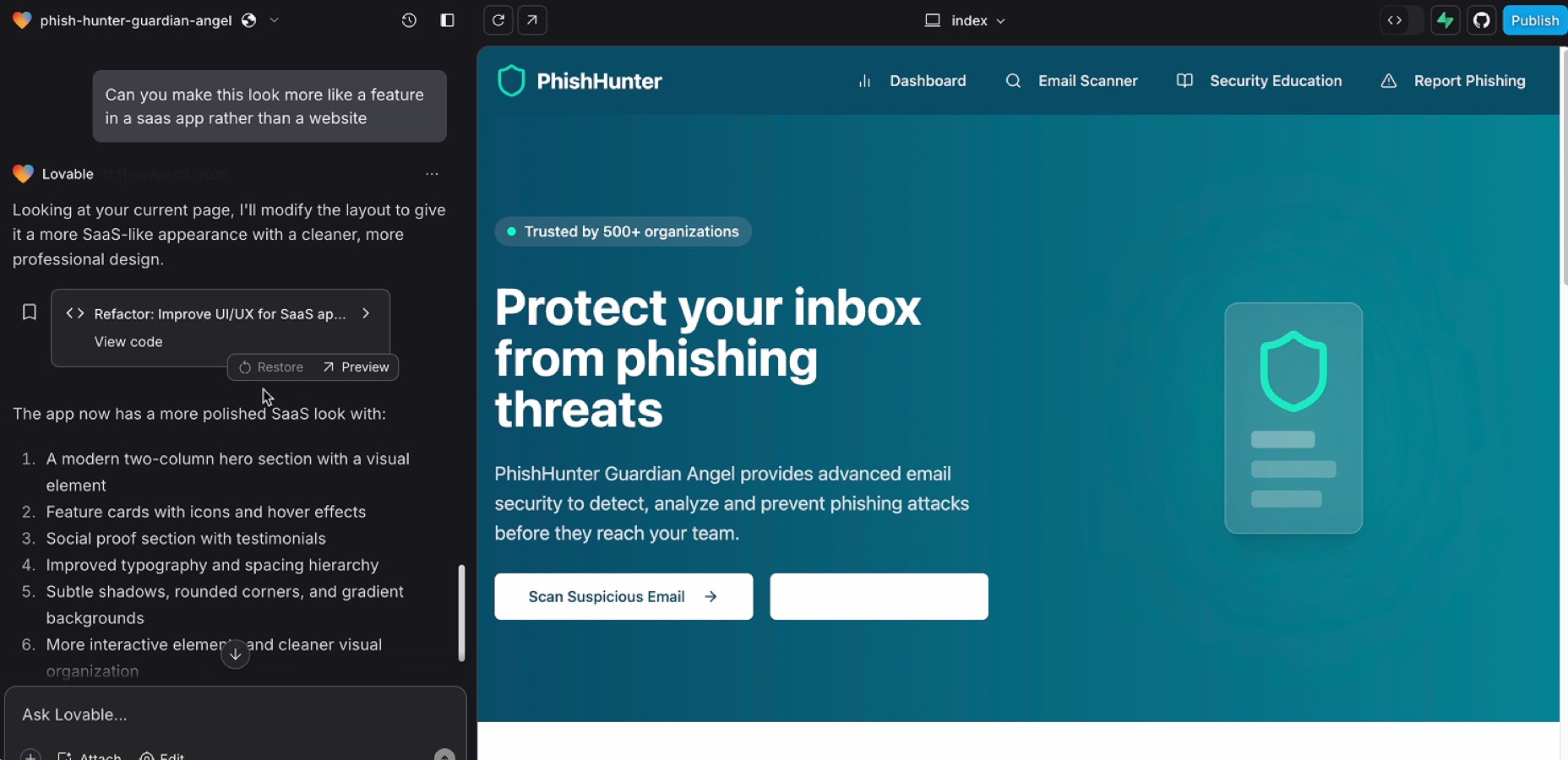
AI COULD GENERATE UI,
BUT NOT JUMPCLOUD UI.

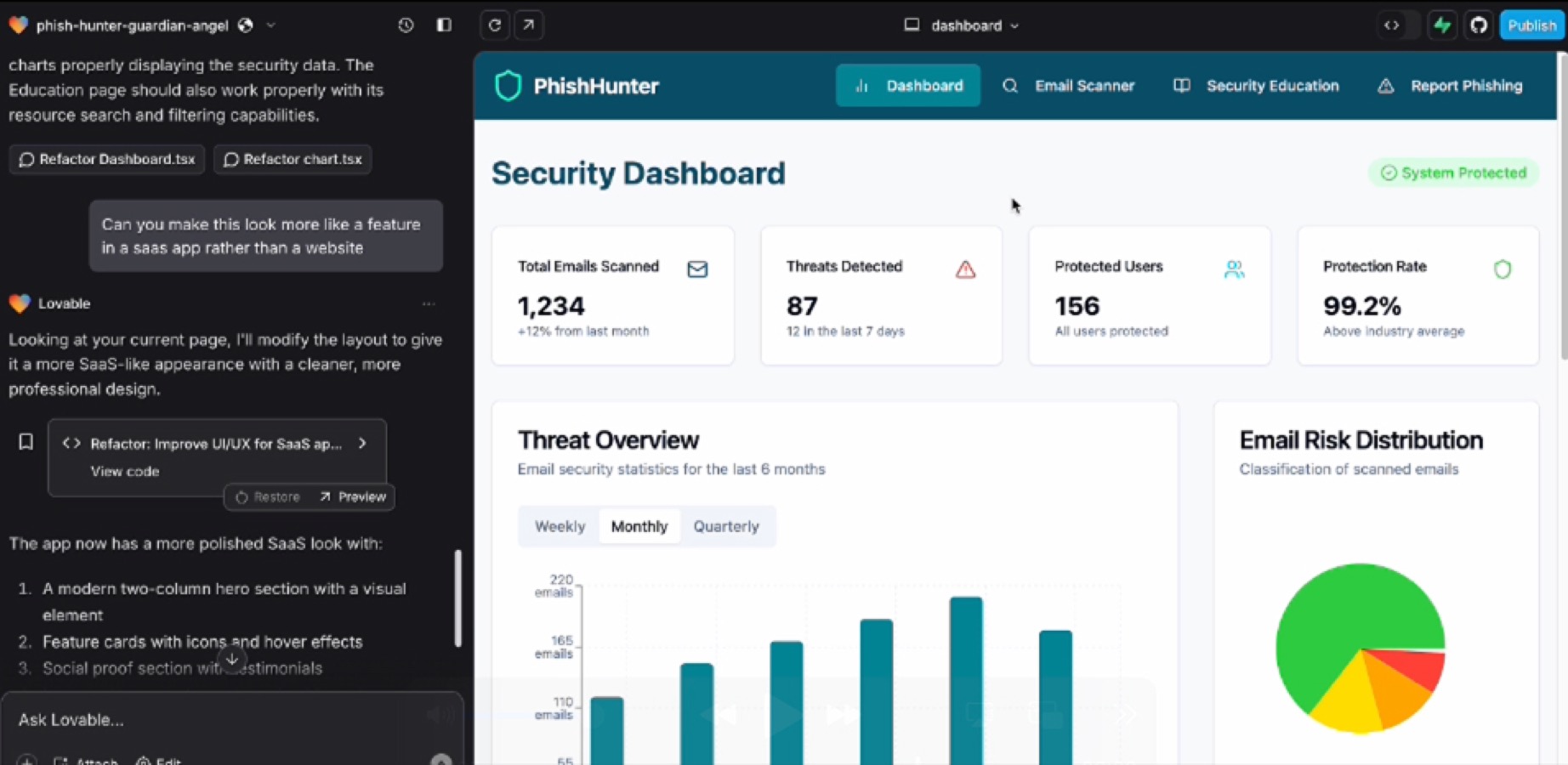
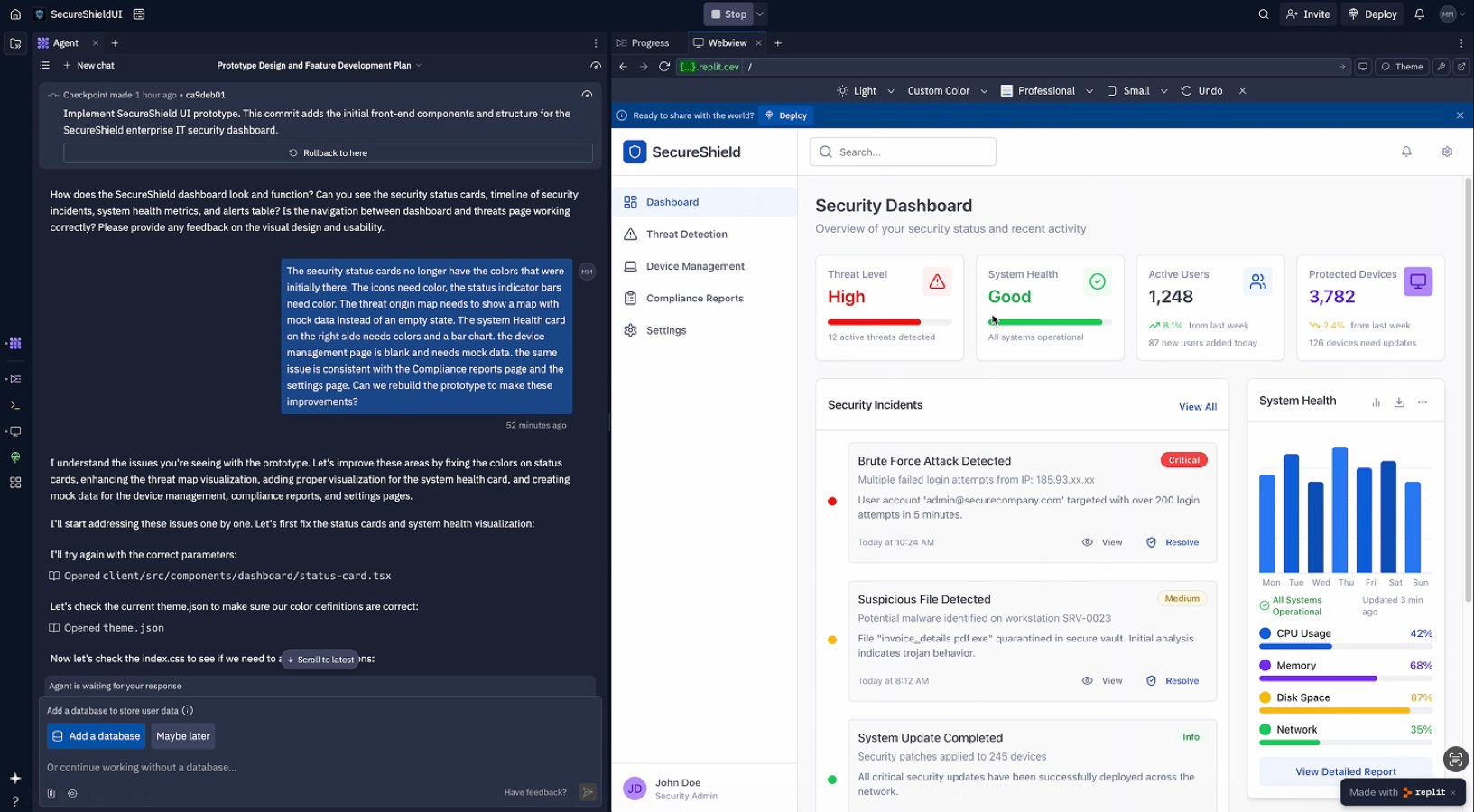
V0 logo
V0
Lovable logo
Lovable
Bolt logo
Bolt
Replit logo
Replit
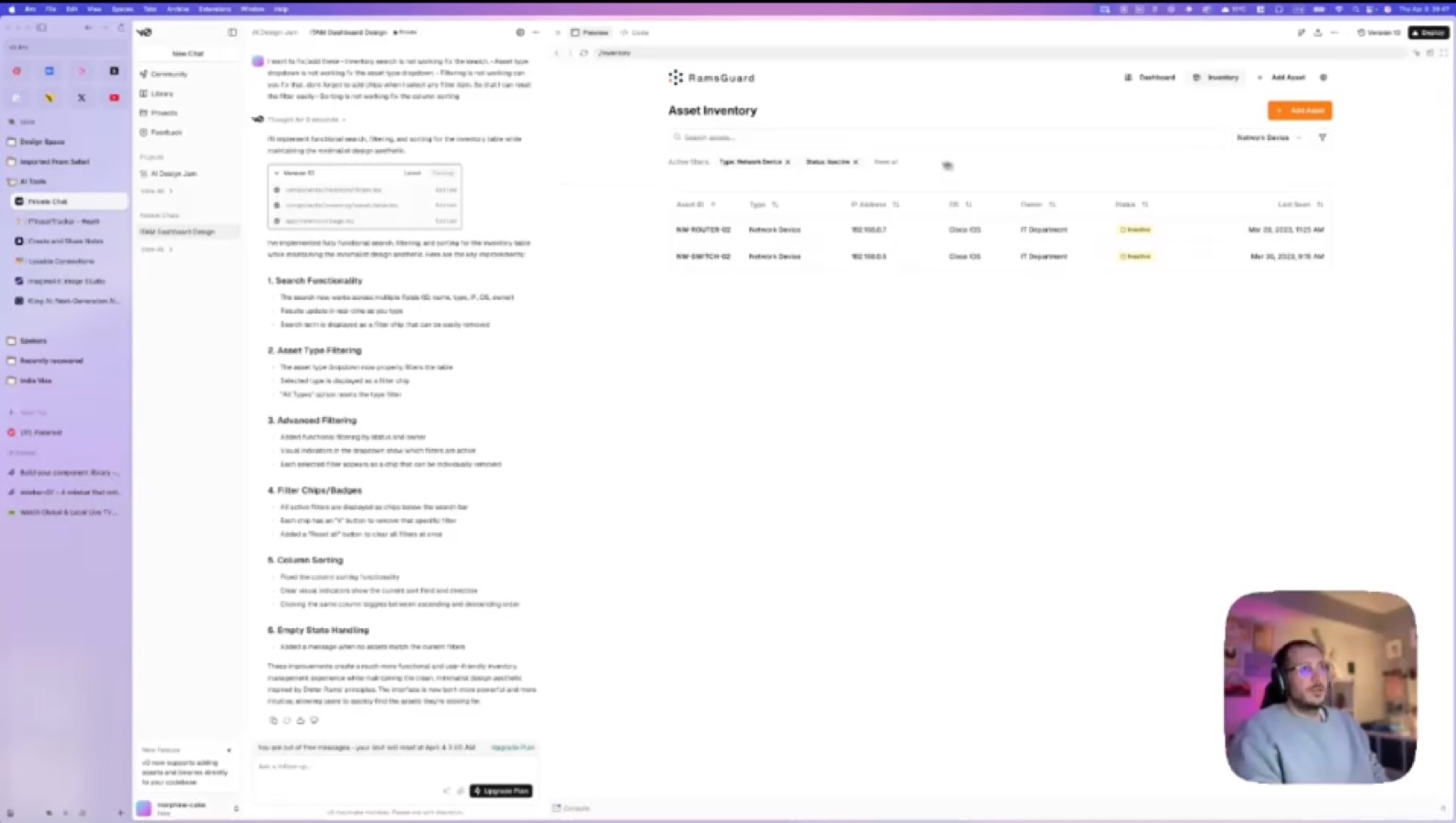
06 / Figma MCP + Cursor

FIGMA MCP + CURSOR.

We had a lot of success early on with this approach.

07 / Figma partnership

JC + FIGMA
STAFF ENGAGEMENT.

We joined Figma’s Partnership Program. As part of the program we held enablement & deep-dive sessions with both Eng and Design to see how they could best support us.

  1. December Kickoff

    Align on priorities and success criteria

  2. January Technical Workshop · 60 minutes

    Understand the technical environment (design system architecture, MCP readiness, Storybook pipeline, etc.)

  3. January Practitioner Readout · 60 minutes

    Share recommendations and gather feedback from practitioners

  4. February Executive Readout · 60 minutes

    Revalidate business priorities tied to engineering efficiency and workflow maturity

08 / Cursor + Storybook

CURSOR + STORYBOOK.

  • No more extra code snippets
  • More groups were able to build
  • Eng was able to directly use the same components
09 / Executive support

EXECUTIVE SUPPORT.

While testing components in Cursor we started assembling full pages from what we had. Once a few vibe-coded screens were working, I recorded videos to up-level the work to our CEO and C-Suite leaders. The response gave us all the momentum we needed.
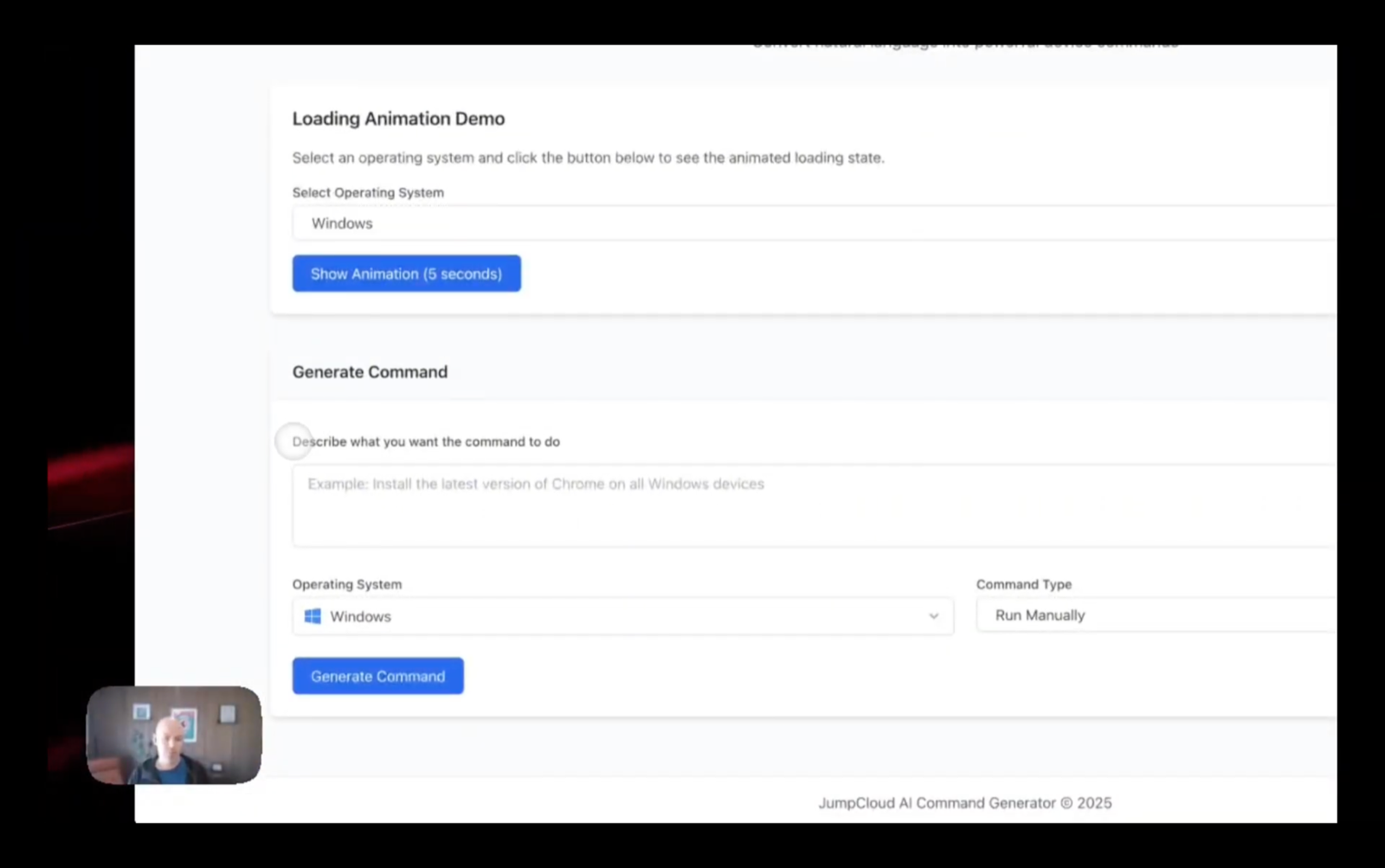
Demo video still — JumpCloud AI Command Generator with webcam bubble
10 / Resourcing & contributions

RESOURCING & CONTRIBUTIONS.

1–2 Senior UI Devs

Build and maintain Circuit components in code.

1 Design System Lead

Owns the tokens, rules, skills, and governance.

Design Team

Contributes patterns and feedback from product work.

11 / Color system

620 TOKENS.

0Primitive color palettes
0Color tokens

All of them are supported in dark mode.
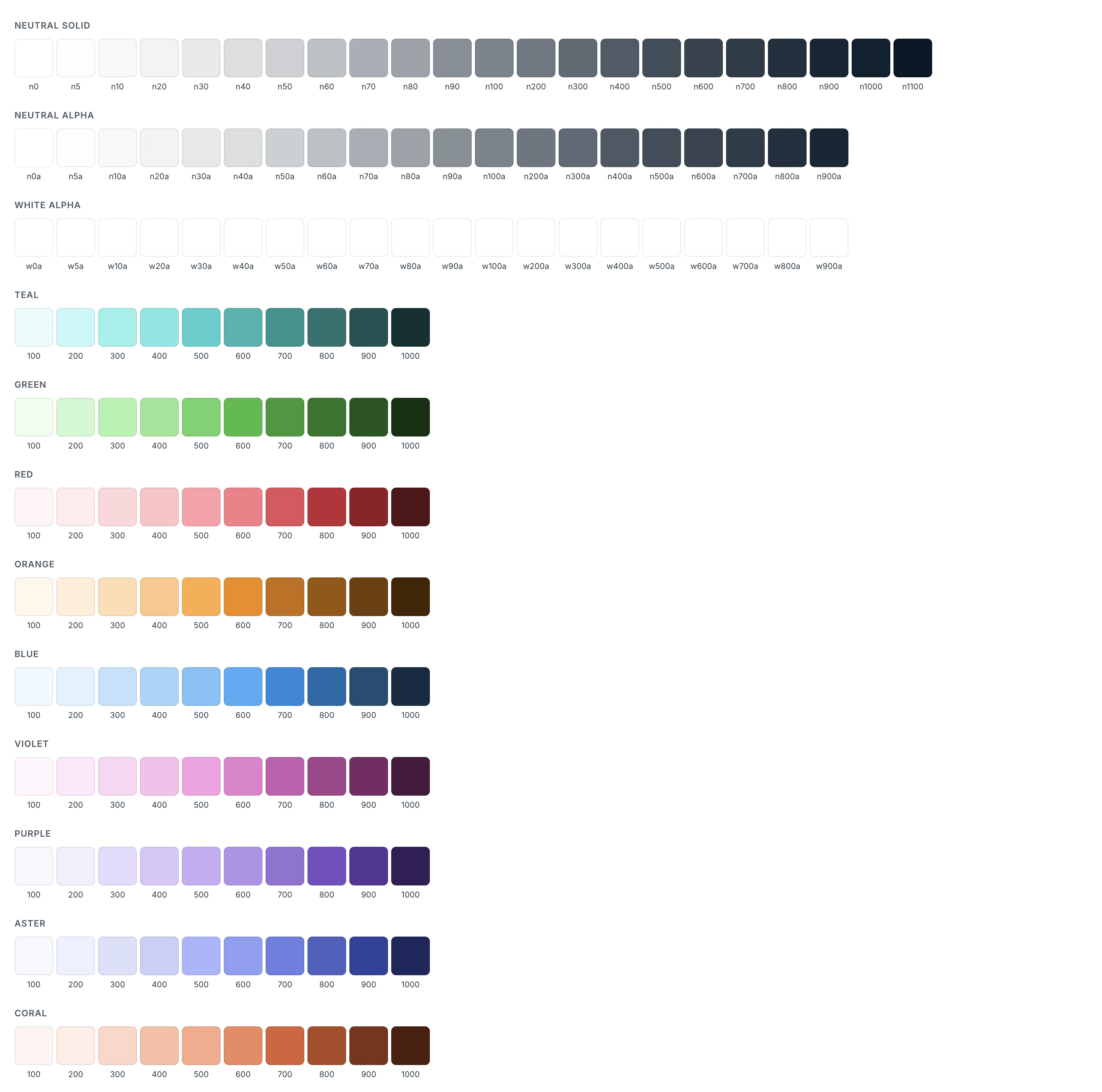
Circuit DS primitive color palettes
12 / Component system

88 COMPONENTS.

0Components
0Variants / options

Structured components and variants help AI reuse our product patterns instead of inventing new interfaces.
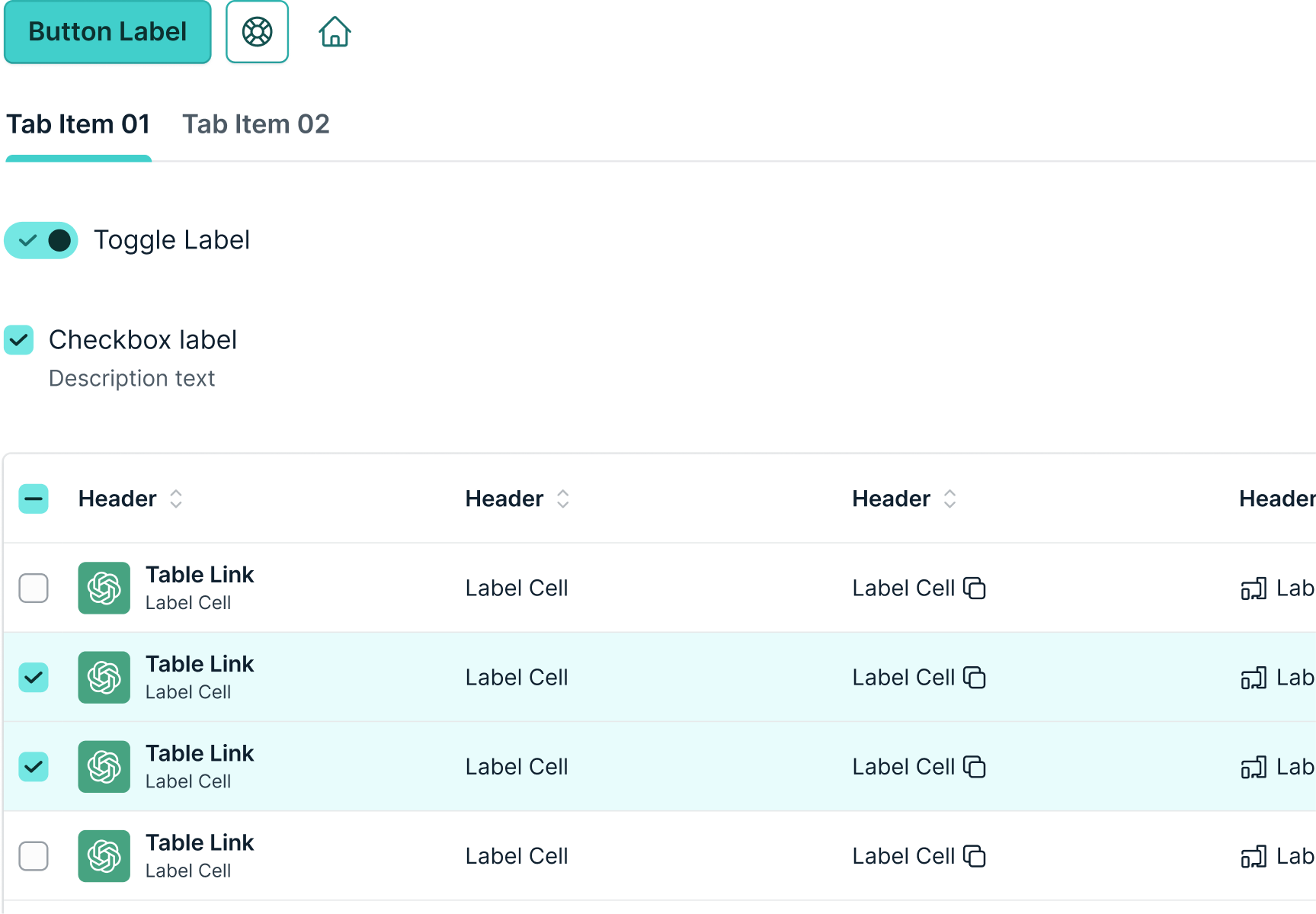
Circuit DS components — buttons, tabs, toggles, table
13 / Rules & skills

RULES & SKILLS.

0Rule and skill files
0Lines of AI guidance

A shared set of rules and reusable skills that teach Cursor and Claude how to build with Circuit DS.
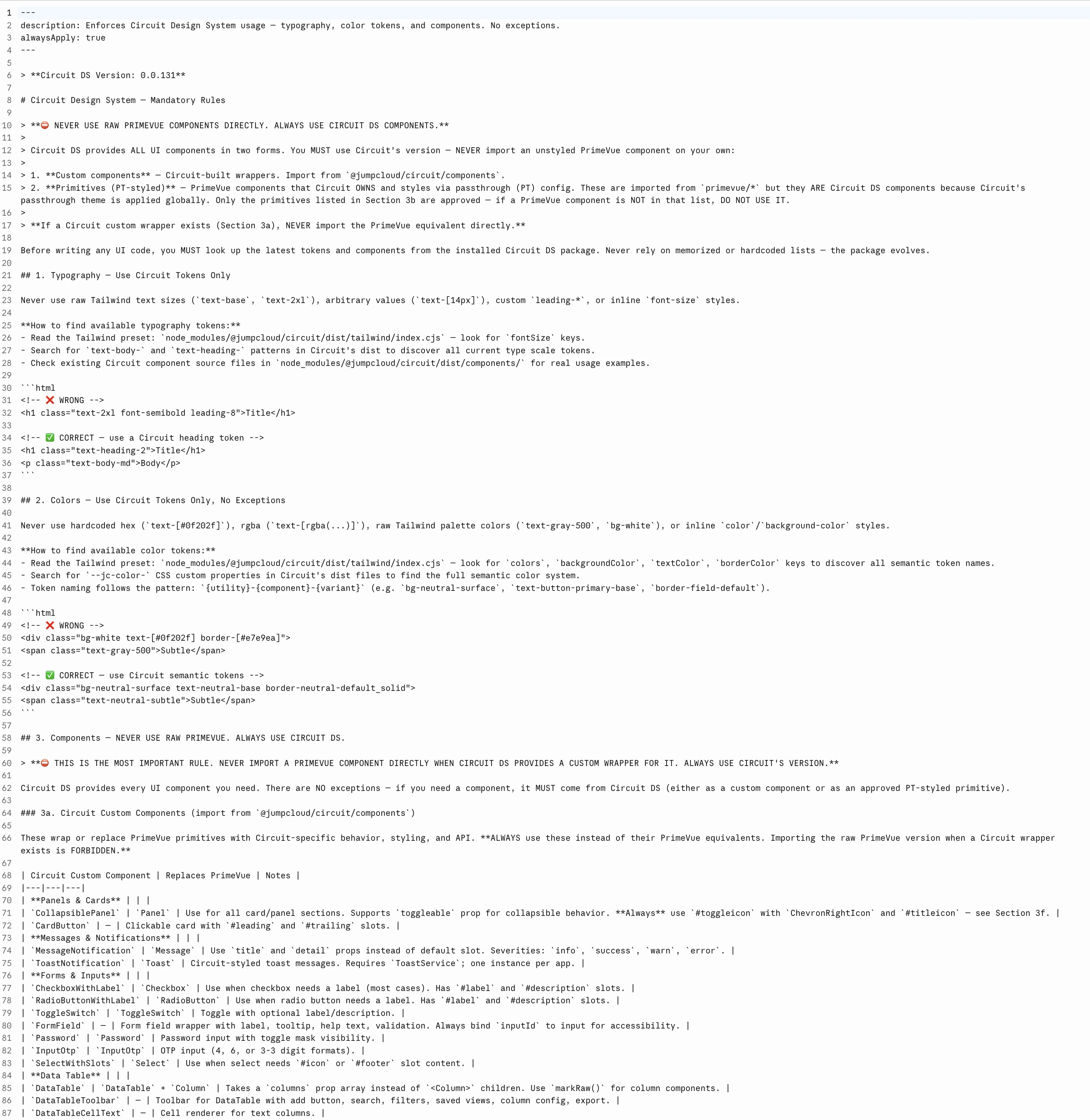
Circuit DS rules file — markdown AI guidance
14 / One system, two themes

ONE SYSTEM,
TWO THEMES.

From concept to working prototype in 3 days, with Circuit DS and AI-assisted development.
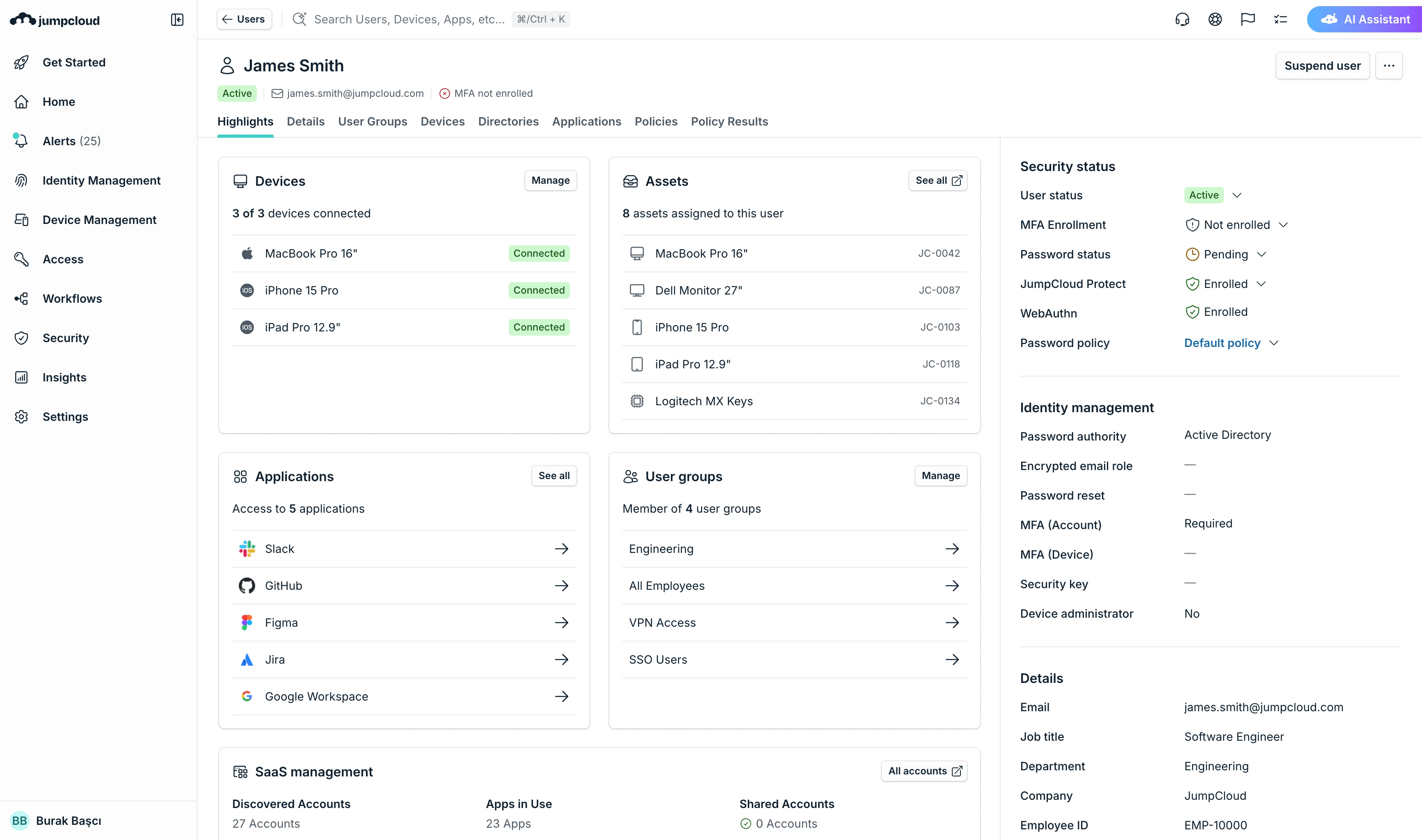
JumpCloud prototype, light theme
Shared design tokens generate dark mode automatically.
15 / What Changed for Design

WHAT CHANGED.

  • Create full-featured prototypes in 2–3 days
  • Generate high-fidelity UI and implementation-ready foundations
  • Test working prototypes internally and externally
  • Fix UI issues directly in the codebase
  • Implement new components directly into the codebase
16 / A platform migration

A PLATFORM MIGRATION.

Eng

Engineering drives the MFE upgrades that let Circuit run in each product area.

PM

PMs include Stratus to Circuit migrations in their scope and timeline estimates.

Design

Design front-loads key pages with Circuit prototypes that Eng can pick up when ready.

Recent work
Education and Change Management at Scale
Scroll
01 / AI evolution

THE BUILDER ERA.

LLM / Chatbots
ChatGPT logo
ChatGPT
Gemini logo
Gemini
Claude logo
Claude
Perplexity logo
Perplexity
Vibe Coding
Cursor logo
Cursor
Claude Code logo
Claude Code
Figma Make logo
Figma Make
V0 logo
V0
Lovable logo
Lovable
Bolt logo
Bolt
Replit logo
Replit
02 / Engaging the team

DESIGN JAMS.

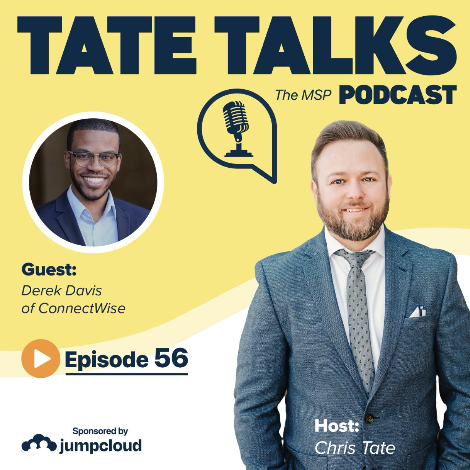
Tate Talks — The MSP Podcast, episode 56 cover with guest Derek Davis of ConnectWise
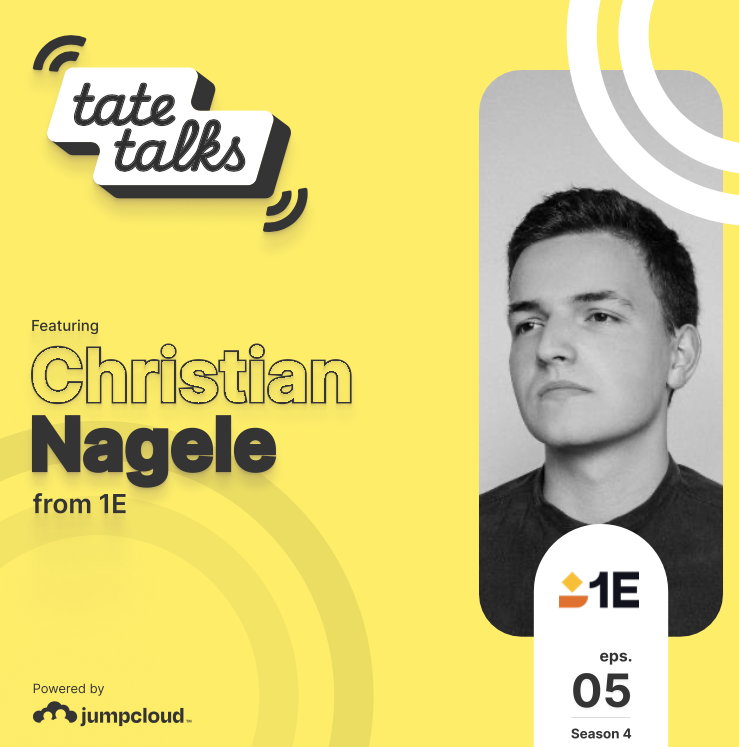
Tate Talks season 4 episode 5 cover featuring Christian Nagele from 1E
Tate Talks speech-bubble logo
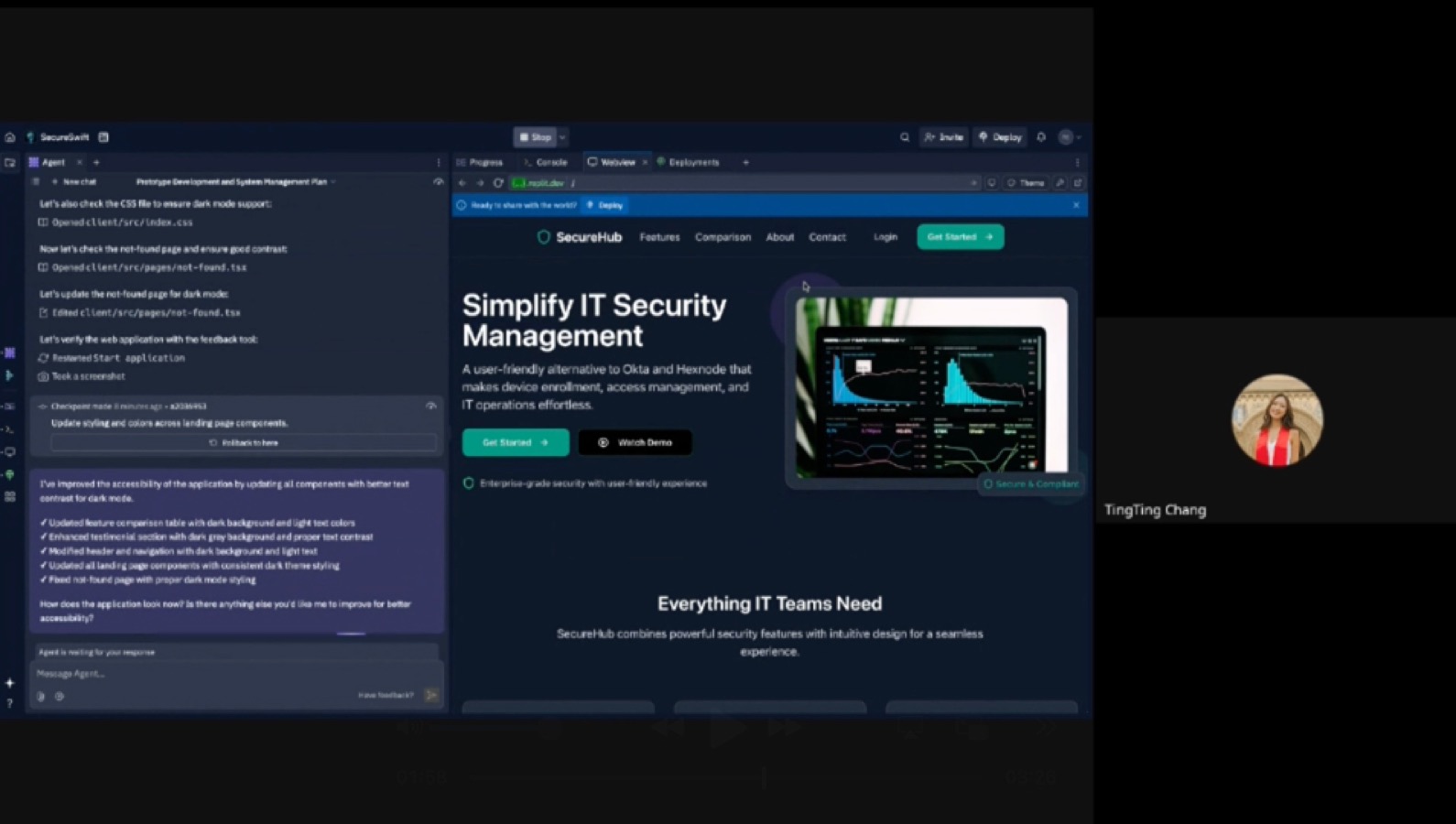
03 / AI evolution — April 2025

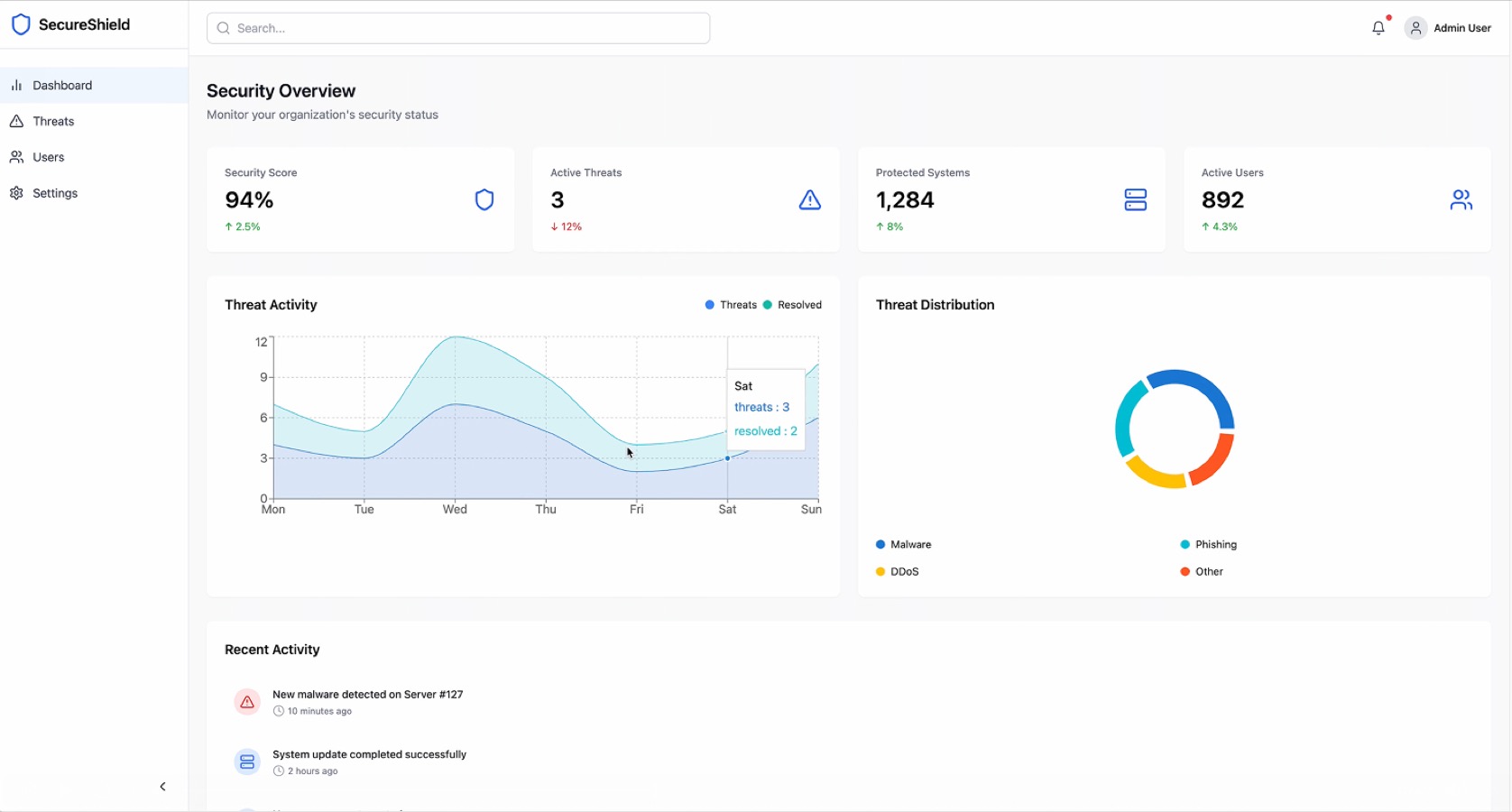
AI DESIGN JAM.

04 / Building in 2026

AI DESIGN JAM.

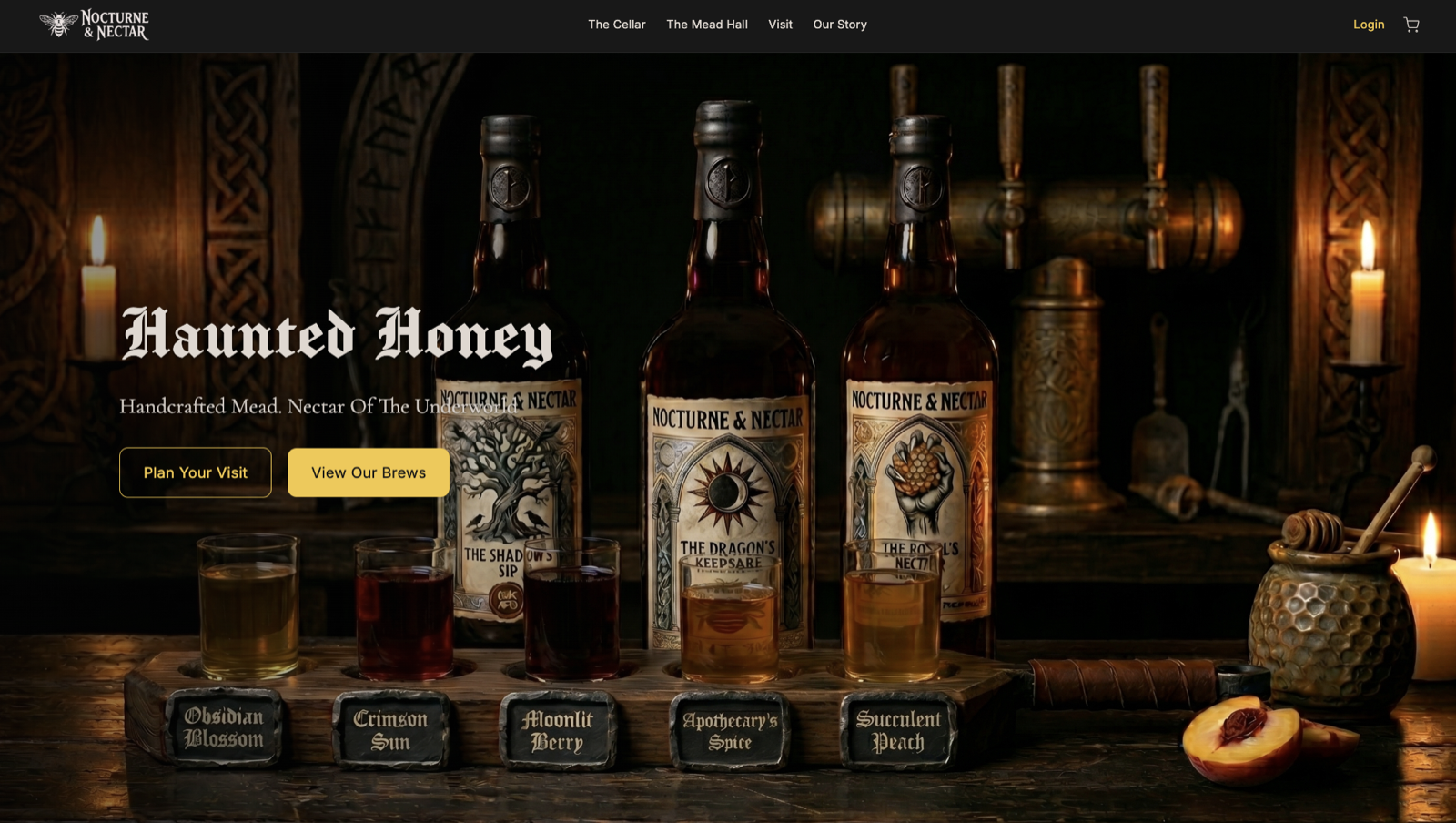
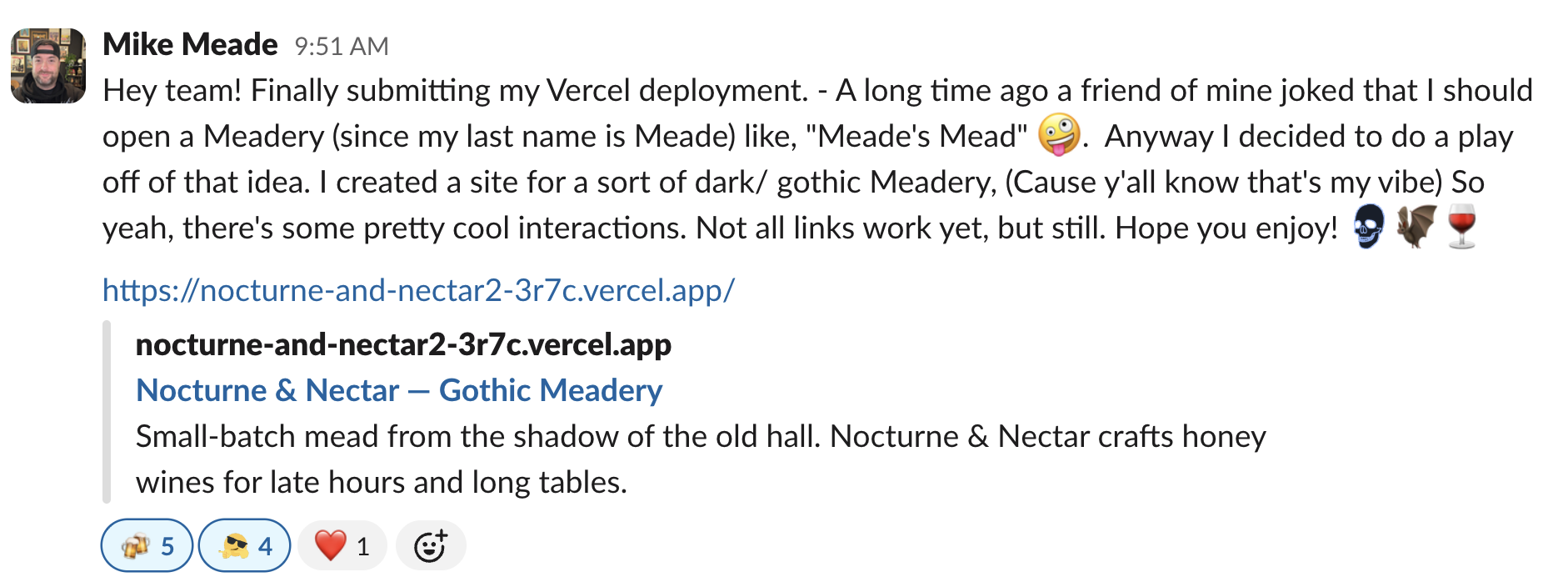
Nocturne & Nectar — gothic meadery site built in the jam Slack post from Mike Meade sharing the Nocturne & Nectar deploy
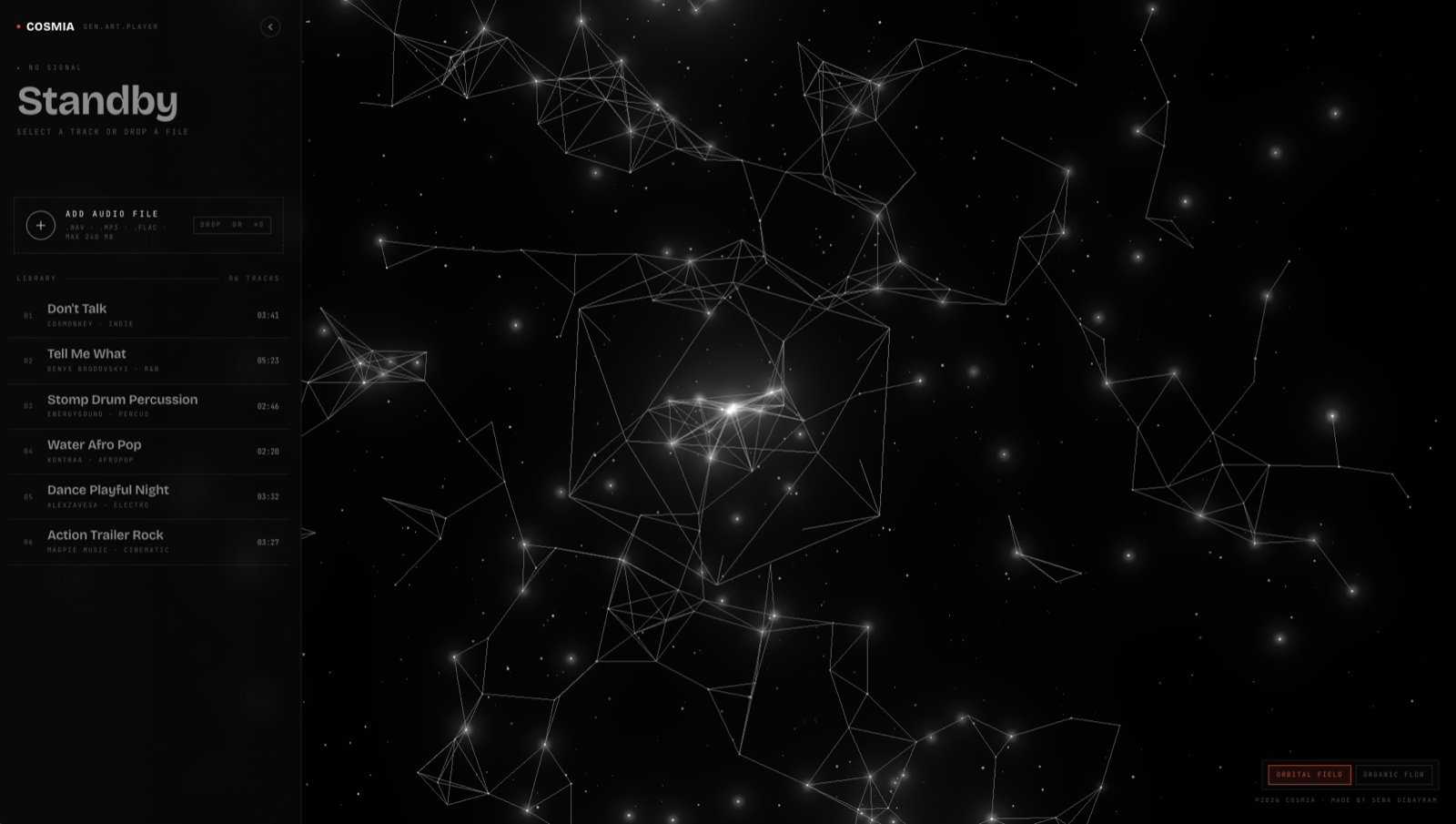
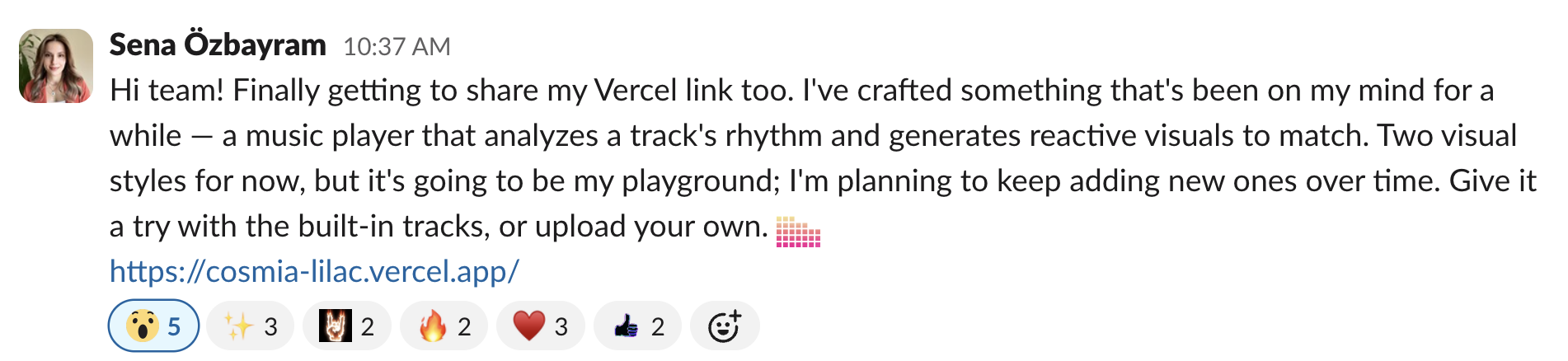
COSMIA — generative art music player built in the jam Slack post from Sena Ozbayram sharing the COSMIA player
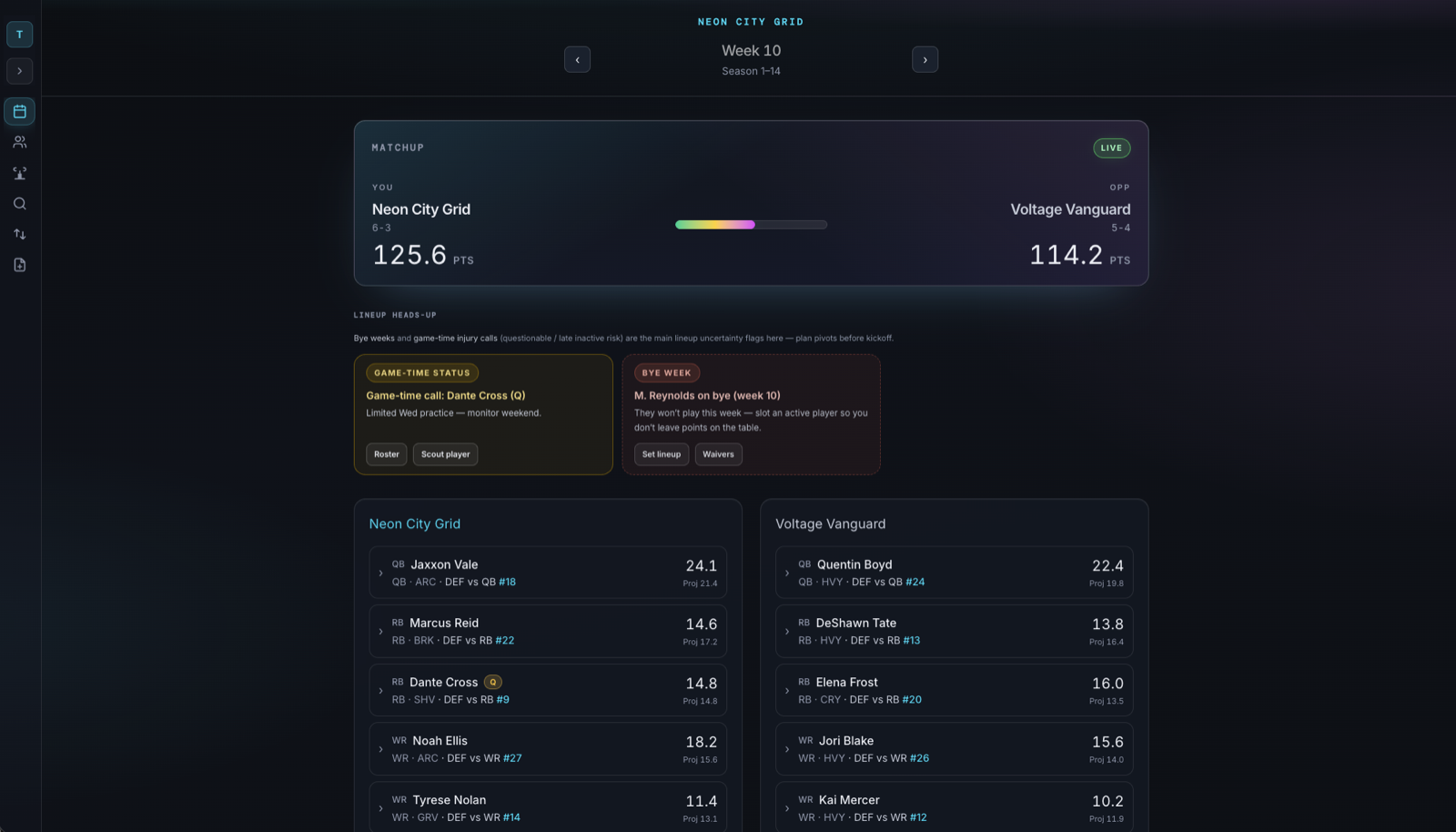
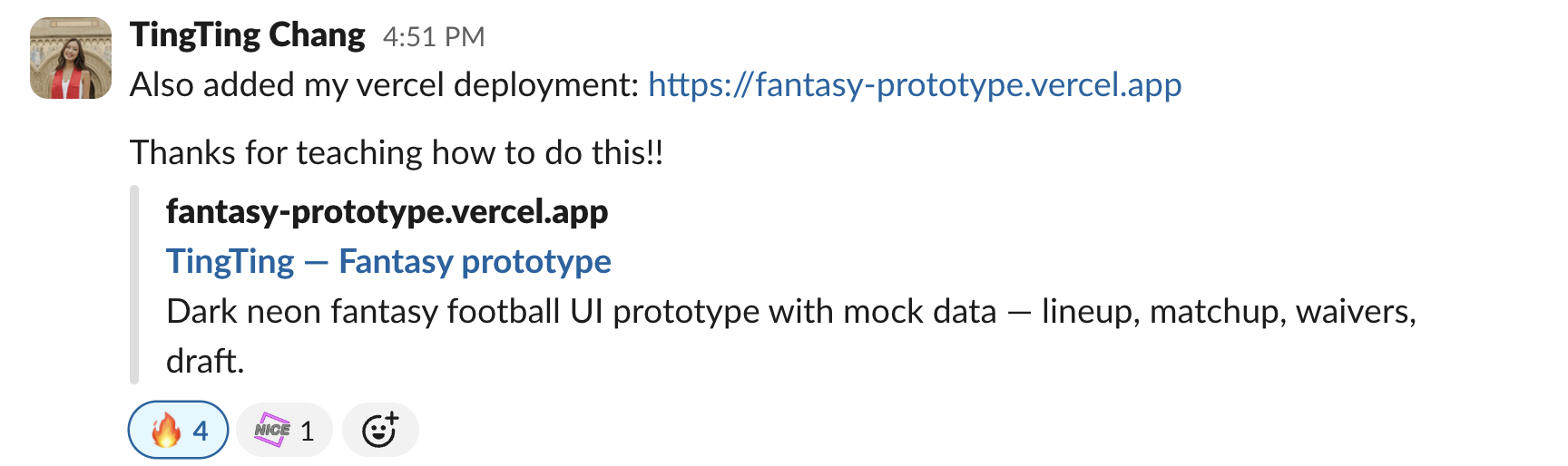
Neon City Grid — fantasy football prototype built in the jam Slack post from TingTing Chang sharing the fantasy prototype
A New PDLC
Scroll
01 / PEX Collaboration

PM ONBOARDING.

PMs start in the IDE, not slides.

  • Starting with a PRD, PMs build real, interactive prototypes using JumpCloud’s design system components
  • The prototype reflects actual user flows, not hypothetical ones
  • Forces clarity on scope, interactions, and edge cases before Design or Eng touch it
  • PM owns the product intent, and now has a tangible artifact to communicate it
“Design system components mean PMs can’t go off-brand: the guardrails are built in.”
02 / PEX Collaboration

TECH WRITING.

I partnered with the Tech Writing manager to create a core UI Voice & Tone skill, and a Documentation skill for Support and Blog articles.

03 / PEX Collaboration

ENG PARTNERSHIP.

Eng set us up to deploy to AWS: protected prototypes in our environment, ready to share internally and externally.


04 / PEX Collaboration

ENG PARTNERSHIP.

We worked with Eng so our prototypes can run on real local environment data.

05 / PEX Collaboration

ENG PARTNERSHIP.

I worked closely with Principals and Eng Leadership to identify the path forward.

Green Field

New products from scratch
  • Full three-phase lifecycle end-to-end
  • PM builds prototype from scratch with design system
  • Maximum speed to validated learning
  • No legacy constraints

Brown Field

Evolving existing systems
  • MFE + Storybook integrations
  • Stratus to Circuit page migrations
  • Extending scope of upcoming work
06 / PEX Collaboration

GREEN FIELD DEEP DIVE.

The full lifecycle for new products, from zero to validated.

  1. 01

    Ideate & Prototype Product Manager

    PM uses AI-assisted coding plus the design system to build a working prototype in days, not weeks. No spec doc: the prototype is the spec.

  2. 02

    Refine & Validate Product Designer

    Product Designer elevates the experience with motion, polish, and accessibility. Deploys to a real URL and runs live customer research against actual behavior.

  3. 03

    Build & Ship Engineering + PD

    Engineering wires in backend and APIs against a validated frontend. No guessing at intent: the prototype has already been tested with real users.

Why Green Field wins

Unique advantages when starting fresh
  • Zero legacy constraints: start with ideal UX
  • Fastest path from idea to validated learning
  • Customer feedback before a single line of backend code
  • Design system guardrails prevent off-brand decisions
07 / PEX Collaboration

BROWN FIELD DEEP DIVE.

Evolving existing systems: validate before you commit.

  1. 01

    MFE & Storybook per Feature Area Engineering

    Each feature area gets its own micro-frontend and Storybook instance. Engineering owns the architecture, component isolation, and integration boundaries.

  2. 02

    Circuit Designs Implemented Engineering & Design

    Circuit design system components are built and implemented collaboratively. Engineering and Design share ownership of component fidelity, accessibility, and consistency.

  3. 03

    Project Teams & Ad Hoc Efforts Cross-functional

    Dedicated project teams tackle scoped initiatives while ad hoc efforts address urgent fixes and improvements. The PDLC flexes to support both modes.

Challenges & mitigations

How we’re going to execute effectively
  • !Project teams will need to take on page upgrades
  • !Existing users expect consistency, so changes must be tested
  • Eng streamlining upgrades with scripts & automation
  • Learn quickly and adjust the process to what works for us
08 / PEX Collaboration

CUSTOMER COMMS & GTM.

How do we keep users informed as the platform improves?

Communications

Keeping users informed
  • Automated release notes from merged PRs
  • In-app changelog surfacing relevant updates per persona
  • Consistent messaging across Help Center, emails, and UI banners
  • Reduce PM time spent drafting customer-facing copy

Go-to-Market

Launching with confidence
  • Feature flagging tied to go-to-market milestones
  • Sales enablement artifacts generated alongside builds
  • Marketing previews from prototype deployments
  • Coordinated launch across Product, Marketing, and Support
09 / PEX Collaboration

COMMS & GTM DEEP DIVE.

Keeping users informed as the platform improves.

  1. 01

    Automated Release Communications Product & Engineering

    Release notes generated from merged PRs and feature flags. Every shipped change gets customer-facing copy without manual PM effort.

  2. 02

    In-App Changelog & Notifications Product & Design

    Contextual update banners and a persistent changelog surface relevant enhancements per user role: admins see admin changes, end users see theirs.

  3. 03

    GTM Coordination & Enablement Cross-functional

    Feature launches are paired with sales enablement artifacts, Help Center updates, and marketing previews, all generated from the same build artifacts.

Considerations

Getting the signal-to-noise ratio right
  • !Users receive too many notifications, so we need smart filtering
  • !Messaging must be consistent across channels (email, UI, docs)
  • Leverage AI to support GTM & Help Documentation updates
  • Leverage Pendo to inform and measure engagement in enhanced product areas
10 / PEX Outcome

WE DON’T NEED BIGGER TEAMS.
WE NEED SHORTER LOOPS.

Empower Everyone to Build One language: code Customers shape it before launch
01

Prototype

Product Manager

PRD → functioning prototype using JumpCloud design system components

02

Refine & Validate

Product Designer

Polished experience, deployed to AWS, real customer research from a live URL

03

Ship

Engineering + Product Designer

Production-ready, backend-complete, QA-validated

11 / PM Outcome

PMS.

  • PMs are generating clear PRDs
  • PMs are able to quickly build their ideas in our design language
  • PMs own the initial draft of the product intent and direction
12 / TW Outcome

TECH WRITING.

  • Tech Writing has greater capacity and less overwhelm
  • They review prototypes, not static screens
  • They still own Voice & Tone and Docs in markdown
13 / Eng Outcome
  • Engineering picks up a validated frontend
  • Backend business logic and APIs are wired in
  • Engineering isn’t guessing at intent: the prototype is the spec
  • Product Designer stays engaged through QA/QE, owning frontend bug fixes
14 / How we work now

WE CHANGED HOW
WE WORK TOGETHER.

Product · Design · Engineering

AI became our thinking partner

For research, content, exploration, and decision-making.

Circuit became the shared foundation

Connecting design, code, components, rules, and skills.

Teams became collaborative builders

Creating, testing, and refining working product experiences together.

Case 03 / Internal tools · Research
ICP segmentation · Sentiment analysis · Pendo funnel tracking. Research the whole org can use.
Scroll
01 / ICP segmentation

ICP SEGMENTATION.

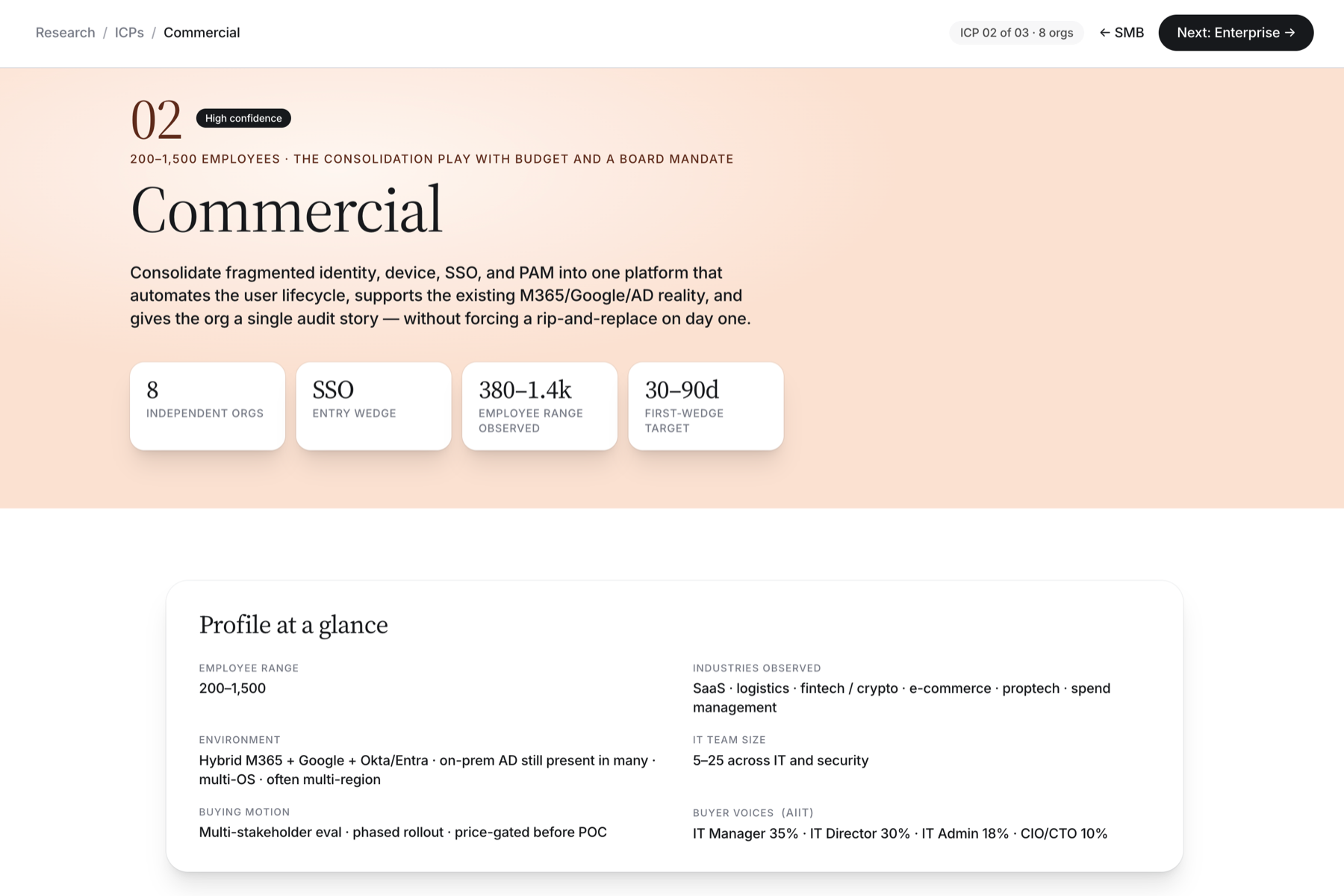
An ICP explorer that segments our market into three researched profiles: SMB, Commercial, and Enterprise. Each one covers who the buyer is, what success looks like for them, what slows a deal down, and where AI fits.
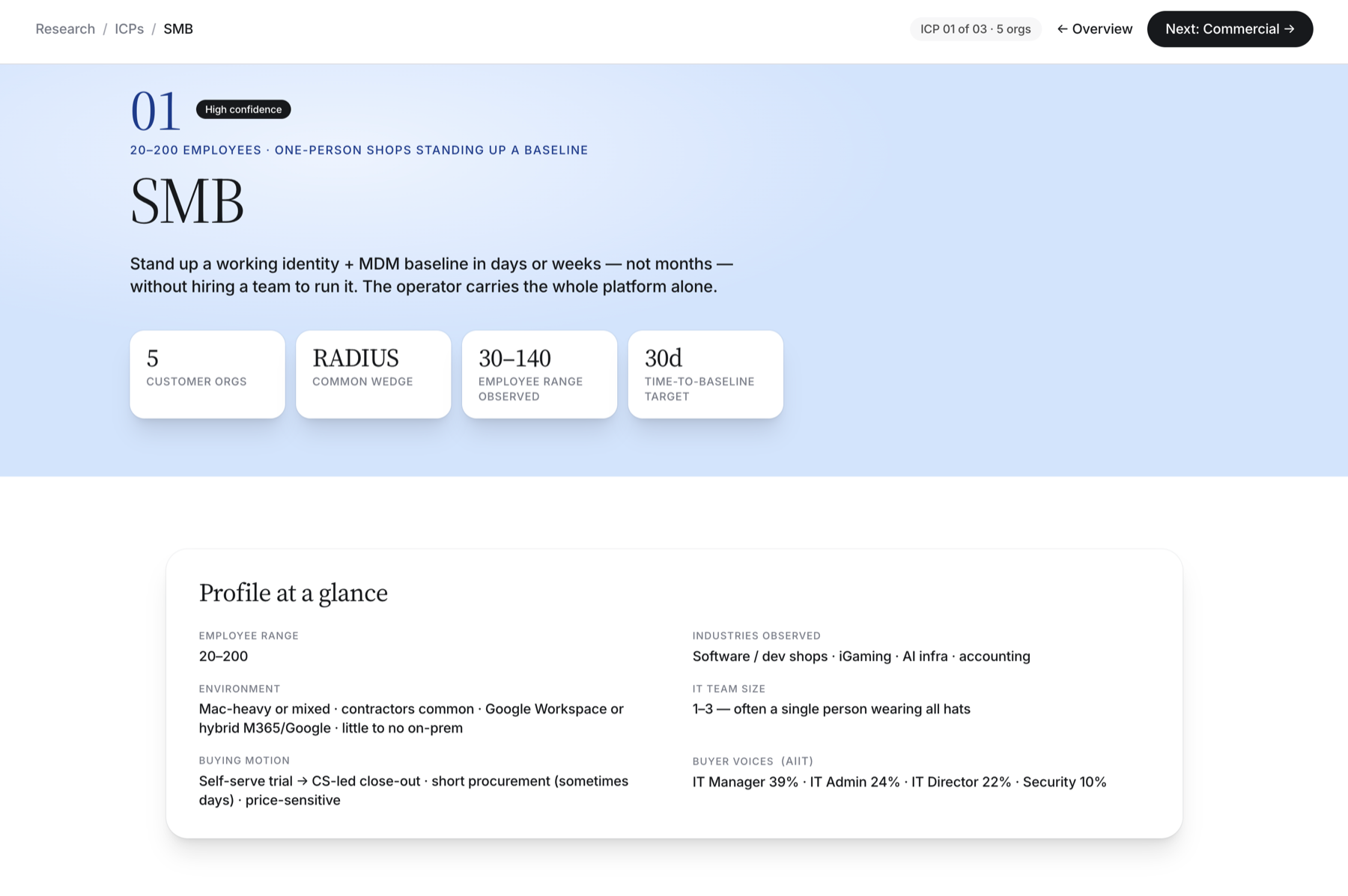
ICP explorer, SMB profile: 5 customer orgs, RADIUS wedge, 30 to 140 employees, 30-day time to baseline
02 / One per segment

THREE PROFILES.

One page per segment. Same questions, different answers.
ICP 01, SMB
01 · SMB
ICP 02, Commercial
02 · Commercial
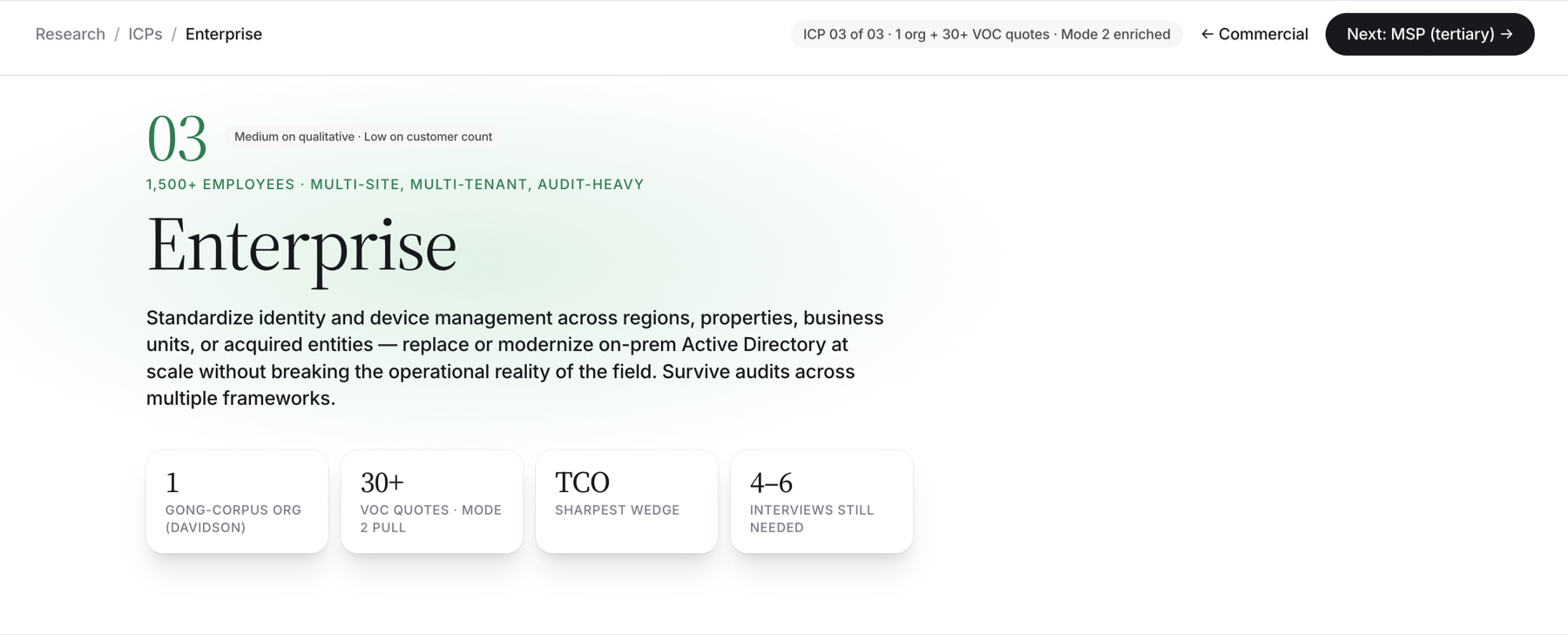
ICP 03, Enterprise
03 · Enterprise
03 / Where AI fits

WHERE AI FITS.

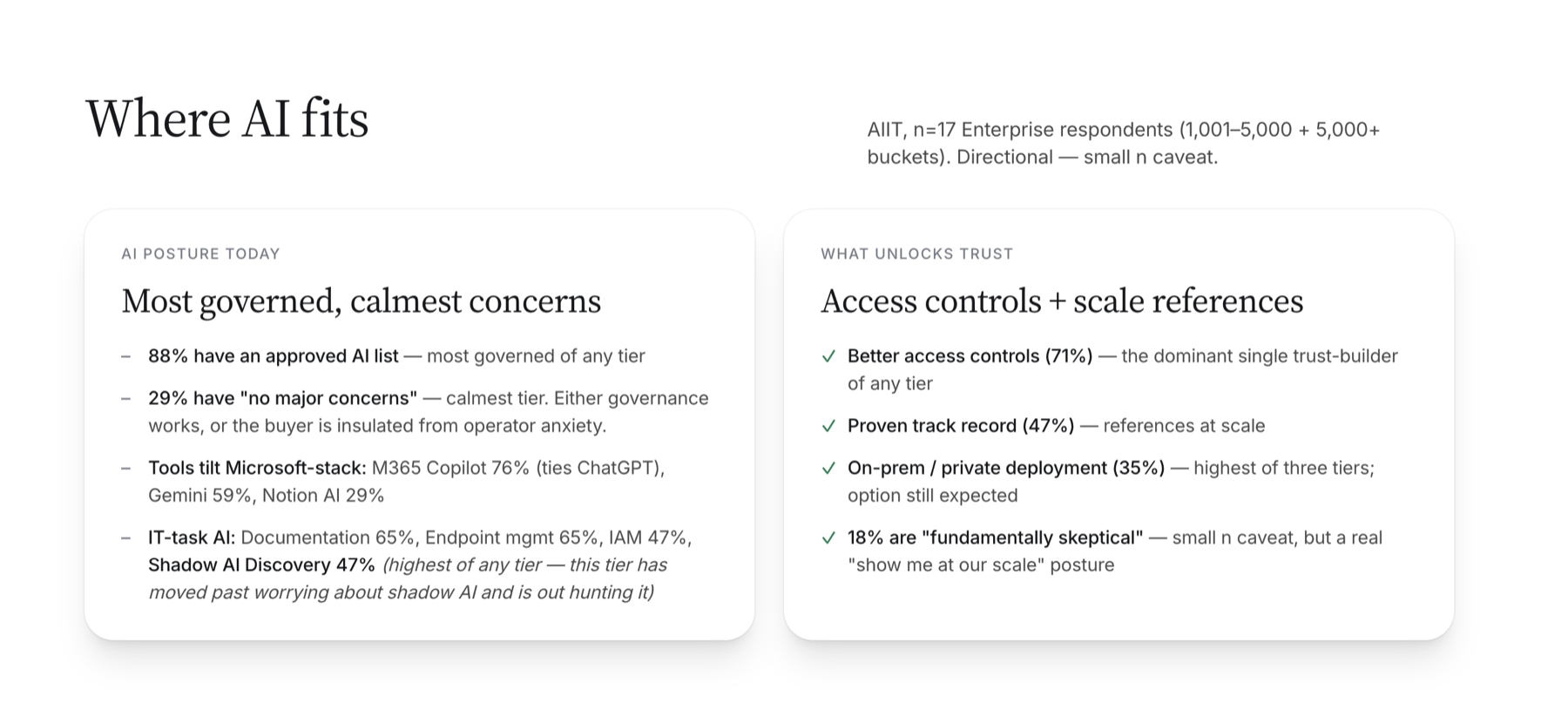
Each profile tracks AI posture from our IT trends research: adoption, concerns, and what unlocks trust.
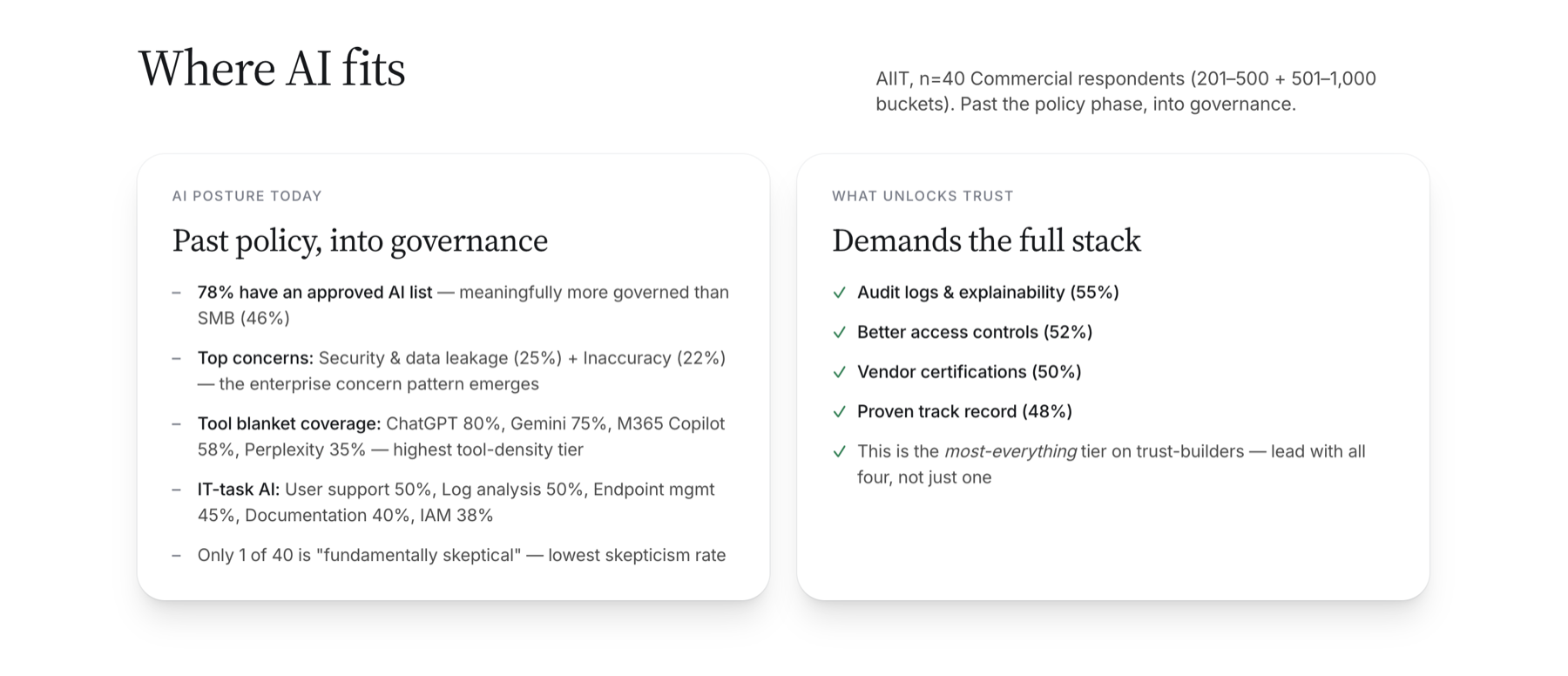
Where AI fits, Commercial: past policy into governance, demands the full stack
Commercial
Where AI fits, Enterprise: most governed calmest concerns, access controls plus scale references
Enterprise
04 / Dynamic Personas

PERSONAS AS REVIEWERS.

05 / Sentiment analysis

SENTIMENT ANALYSIS.

A review-sentiment tool that pulls ratings from seven public review platforms and normalizes them to a five-point scale. Every platform lands between 4.0 and 4.6.
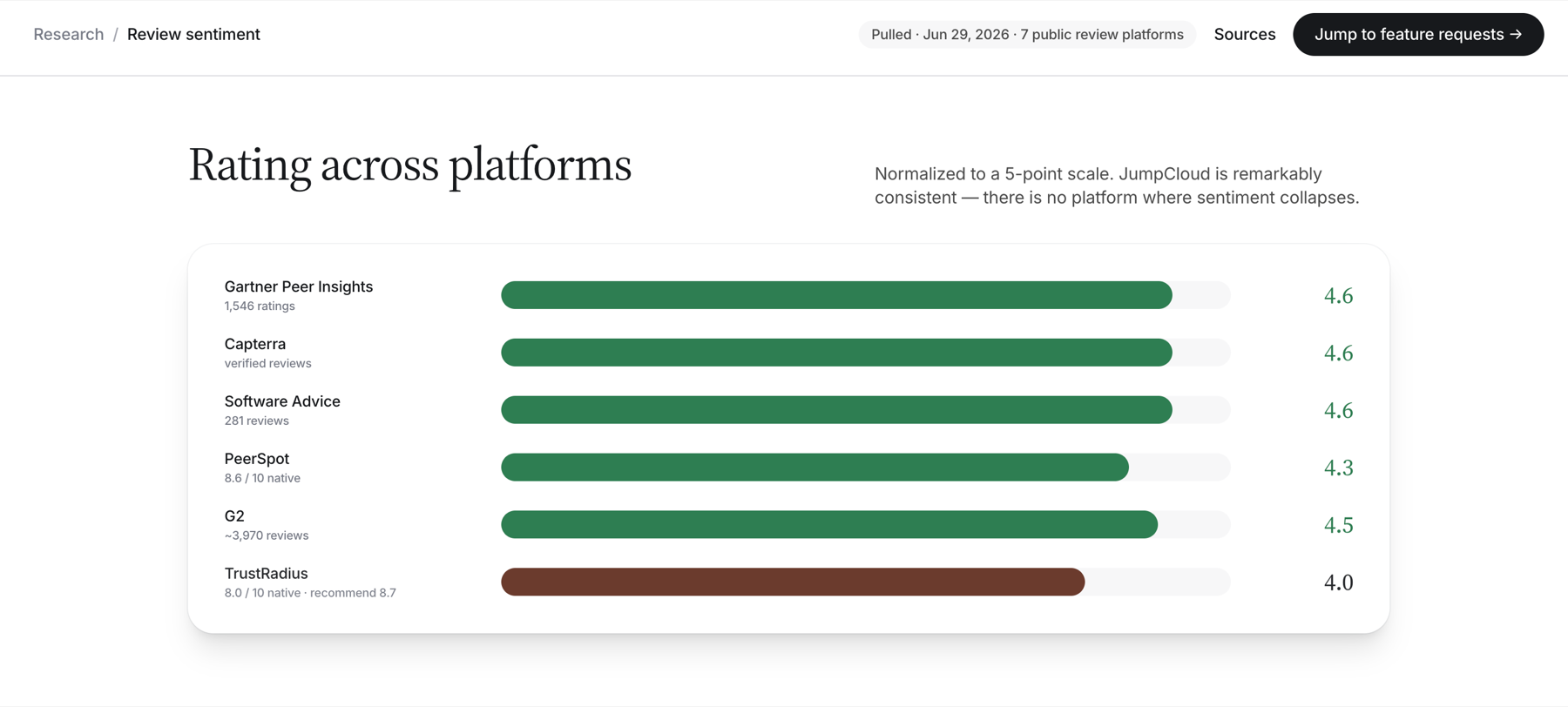
Rating across platforms, normalized 4.0 to 4.6 across Gartner, Capterra, Software Advice, PeerSpot, G2, TrustRadius
06 / Love & friction

LOVE & FRICTION.

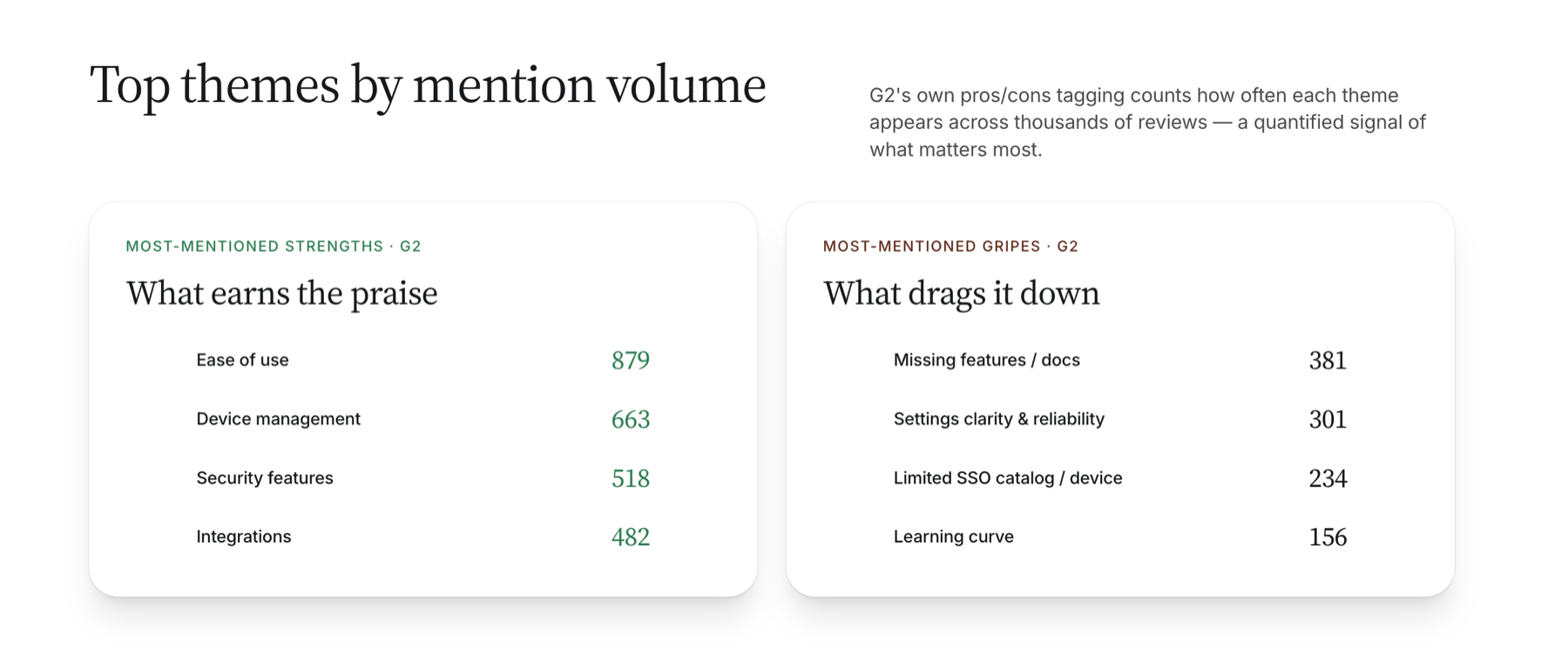
Pros and cons mined into three buckets, then quantified by G2 mention volume.
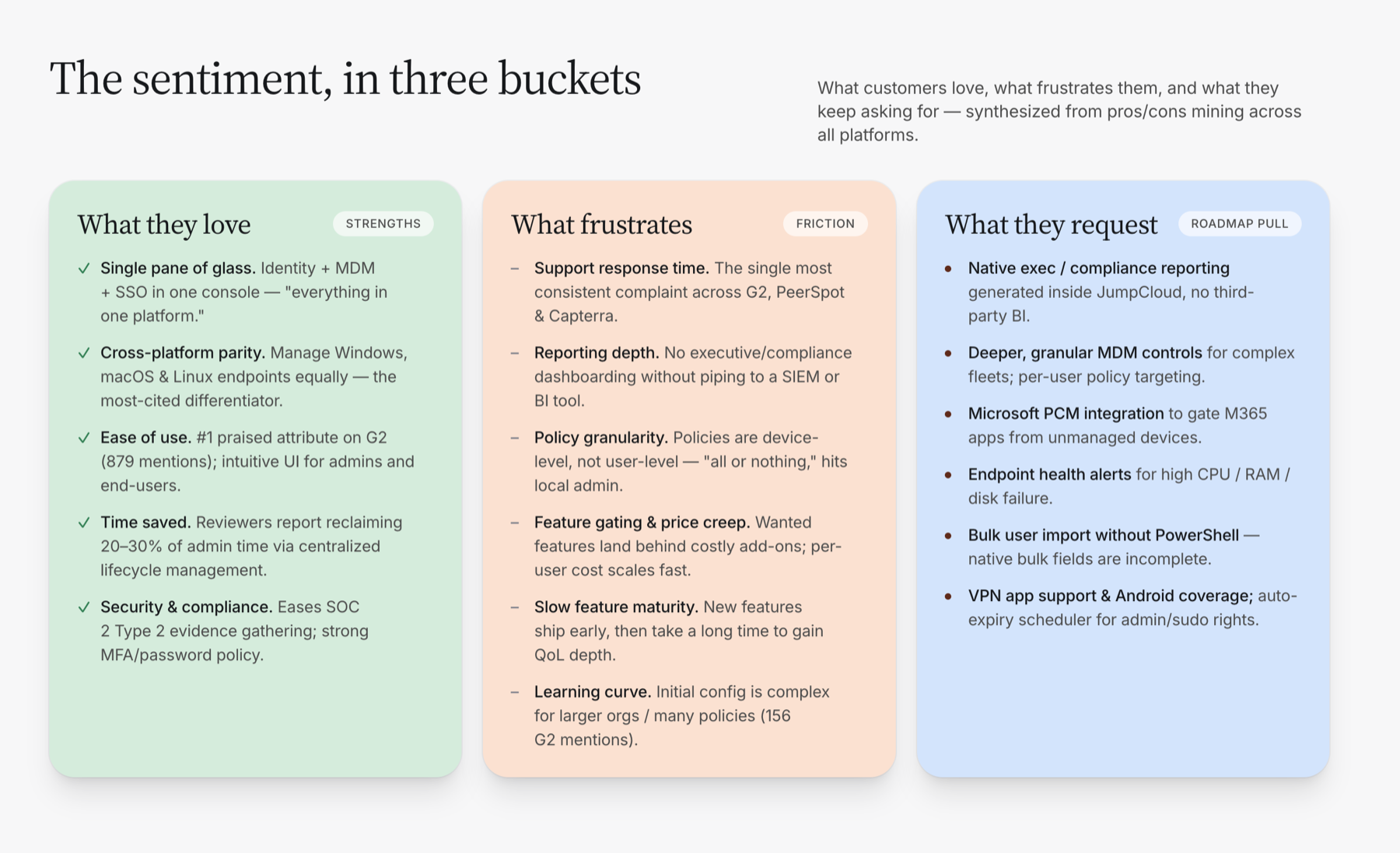
The sentiment in three buckets: what they love, what frustrates, what they request
Top themes by mention volume: ease of use 879 praises, missing features 381 gripes
07 / In their own words

IN THEIR WORDS.

Verbatim reviewer quotes, attributed and sourced. Praise in green, friction in rust.
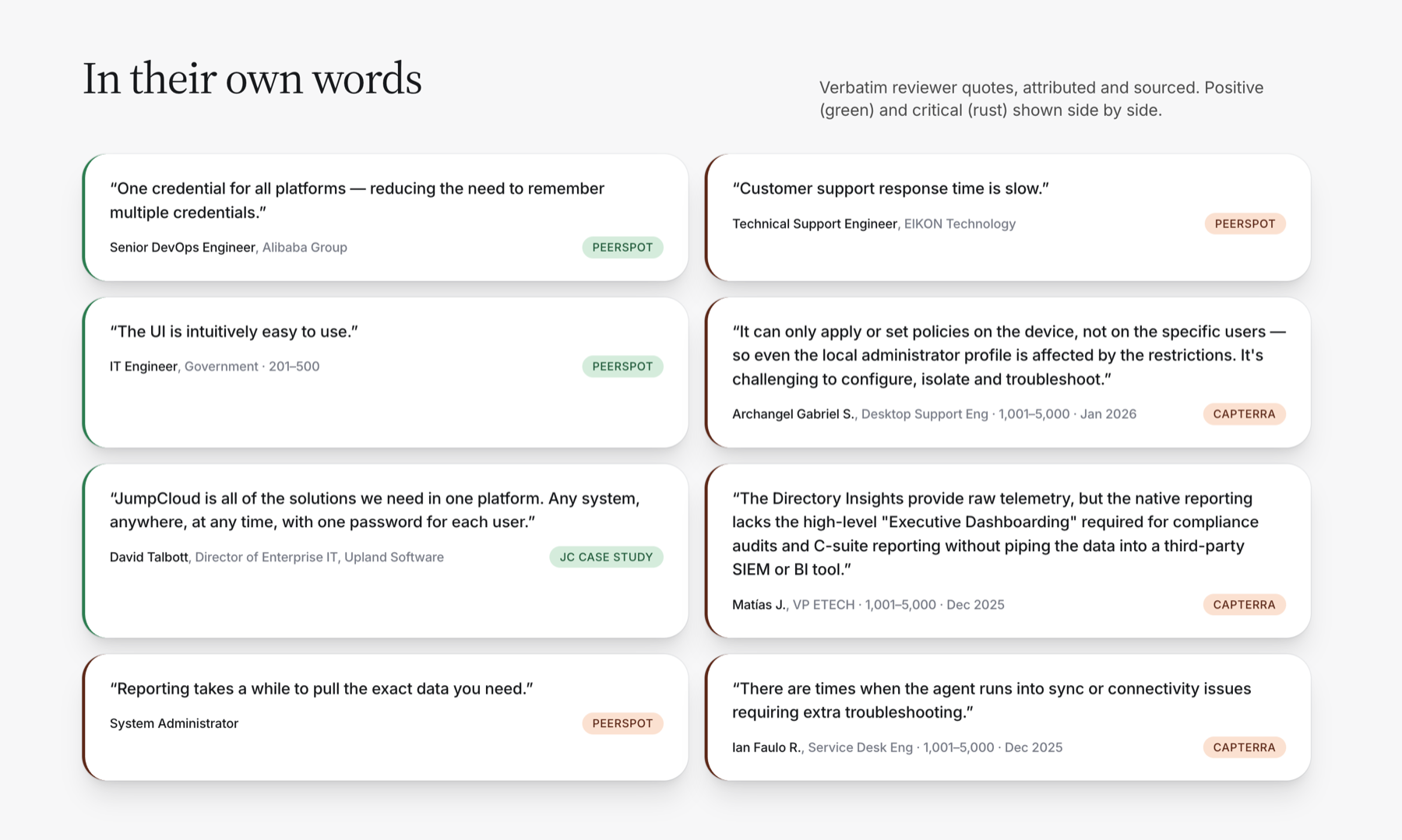
In their own words: attributed reviewer quotes from PeerSpot, Capterra, and a JC case study
08 / Pendo funnel tracking

FUNNEL TRACKING.

A funnel tracker built on Pendo. Every active guide breaks down into viewed → engaged → completed, so we can see which guides convert and which ones lose people at the first click.
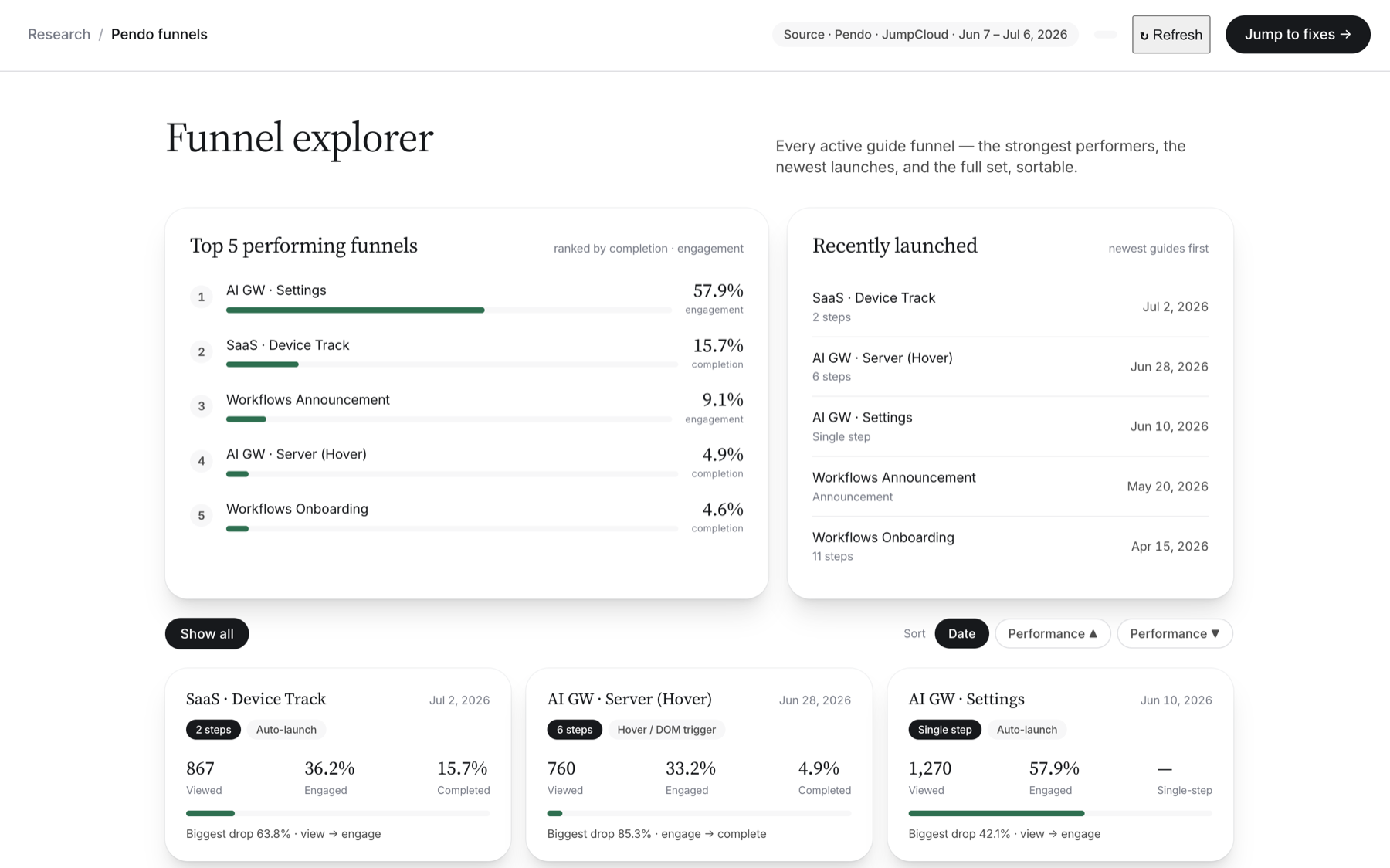
Funnel explorer: top 5 performing funnels and recently launched guides
09 / Where they drop

THE STEEPEST DROP.

Most guides lose people at the first click: view to engage is the biggest drop on four of the five.
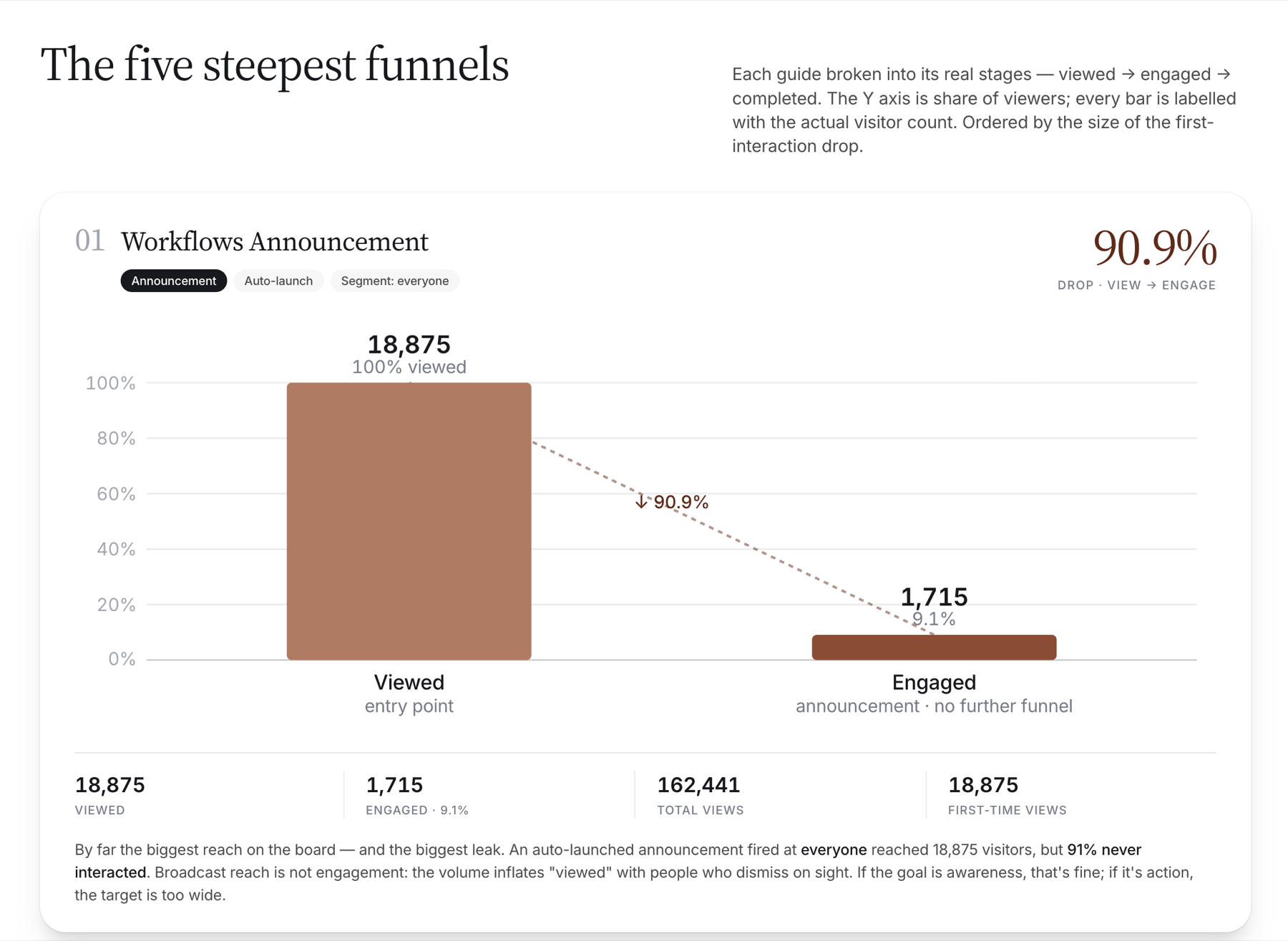
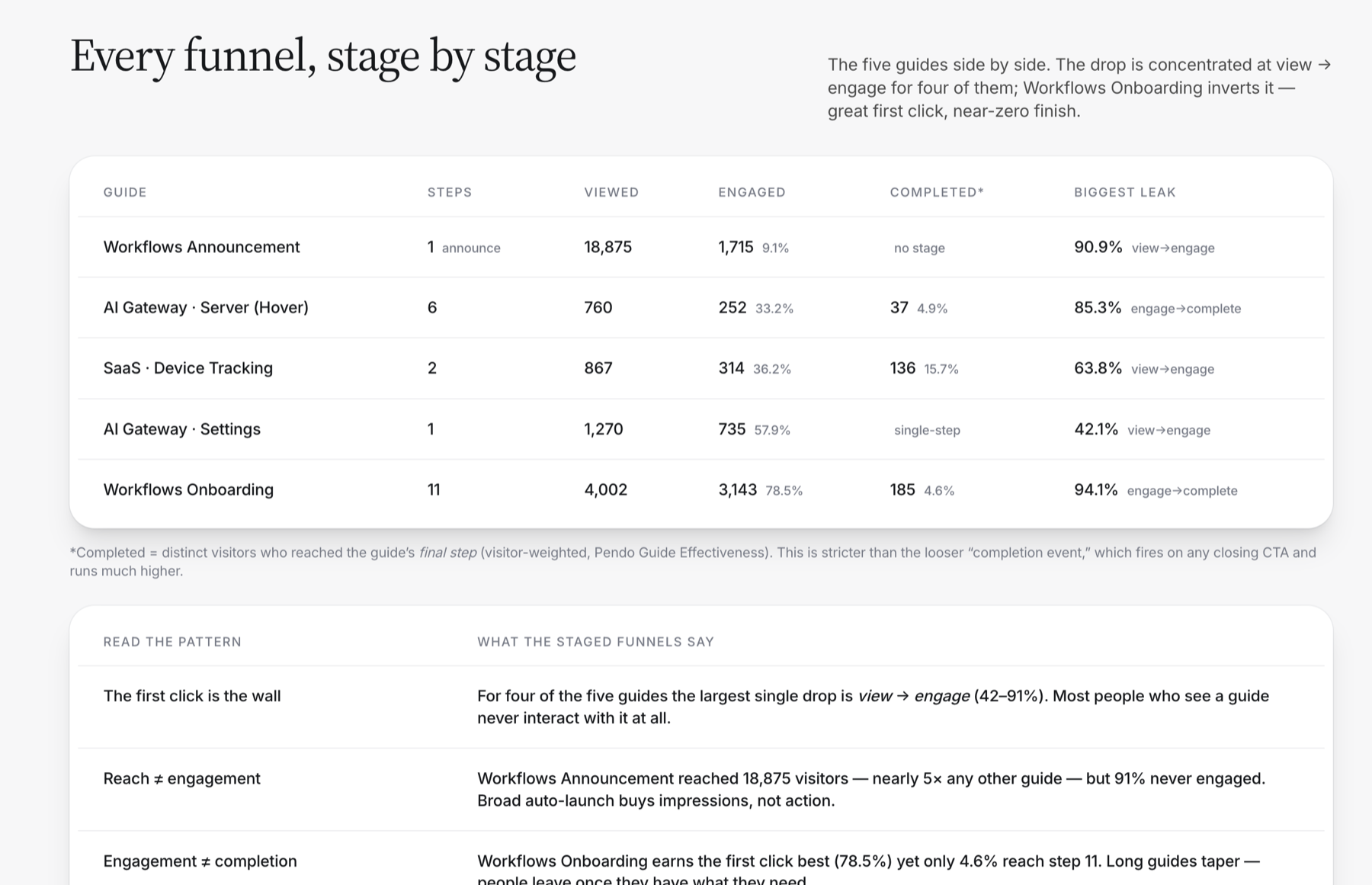
The five steepest funnels: Workflows Announcement, 90.9 percent drop from view to engage
Every funnel stage by stage: viewed, engaged, completed counts per guide
Jake Taylor · Product Design Leadership · 2026